 +91 981-810-8884, 0114-214-3250
| Technical Name | knk_sticky_notes |
| License | OPL-1 |
| Also available in version | v 15.0 |
Kanak Sticky Notes for Frappe Framework
Floating sticky notes for Frappe Desk with drag & drop, pinning and auto-save support
Kanak Sticky Notes is a standalone Frappe Framework v16 app that allows users to create floating sticky notes directly inside the Frappe Desk interface for quick reminders, task tracking and workspace organization.
Users can create multiple notes, drag and resize note cards, pin important reminders and automatically save note content without leaving the workspace. The app provides a lightweight and seamless productivity experience fully integrated with Frappe Desk.
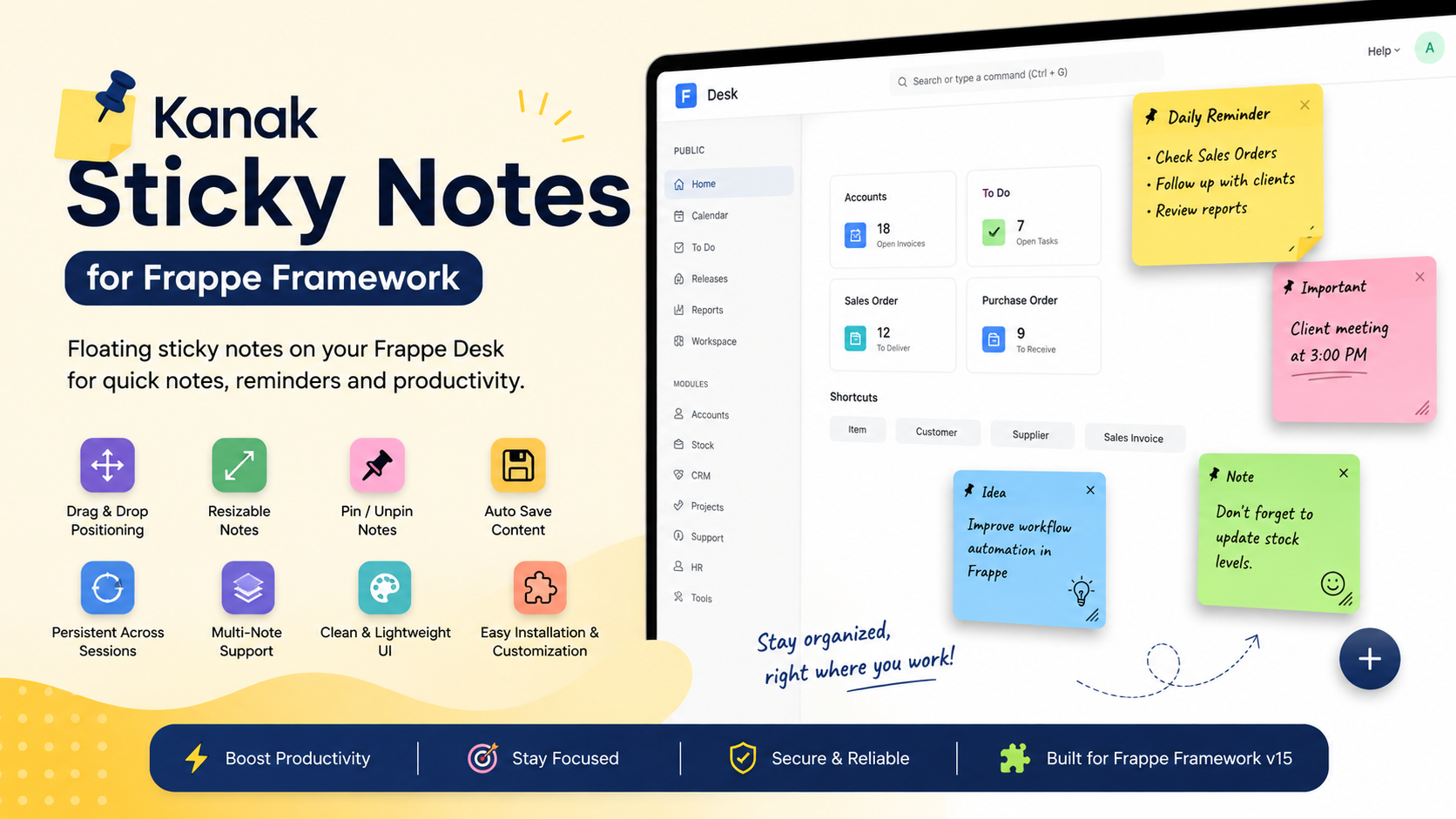
🚀 Kanak Sticky Notes Features
Smart sticky note management and productivity enhancement directly inside Frappe Desk.
Floating Sticky Notes
Create floating sticky notes directly on the Frappe Desk workspace.
Drag & Drop Positioning
Move sticky notes anywhere on the screen with simple drag and drop controls.
Resizable Note Cards
Resize sticky notes dynamically based on your workspace requirements.
Pin & Unpin Notes
Pin important reminders and quickly manage active workspace notes.
Auto-Save Notes
Automatically save note content without requiring manual actions.
Persistent Notes Across Sessions
Access previously created notes even after logout or browser refresh.
Clean & Lightweight UI
Minimal and user-friendly interface designed for distraction-free productivity.
Seamless Frappe Desk Integration
Works smoothly within the native Frappe Framework Desk environment.
Multi-Note Support
Create and manage multiple sticky notes simultaneously for different tasks.
Easy Installation & Customization
Quick setup with flexible customization options for business requirements.
Quick Daily Reminders
Manage daily reminders, important tasks and personal workspace notes efficiently.
Improved Productivity
Reduce context switching and improve task management directly from the desk.
How to Use Kanak Sticky Notes
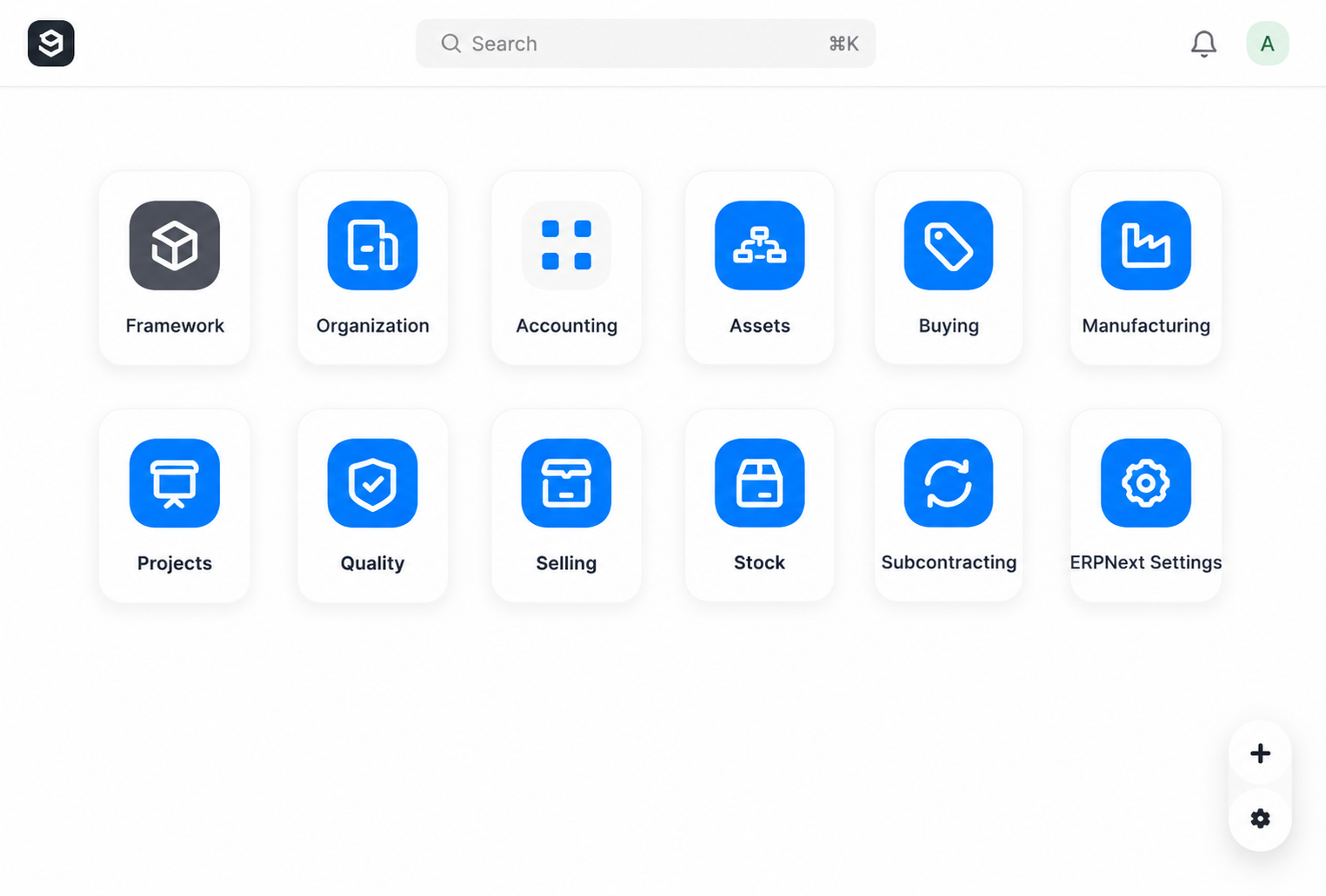
1. Open Sticky Notes Panel :-
Click on the arrow icon available on the dashboard to open the Sticky Notes panel.
After clicking on the “+” icon, the following options will appear:
- Hide
- New Sticky Note
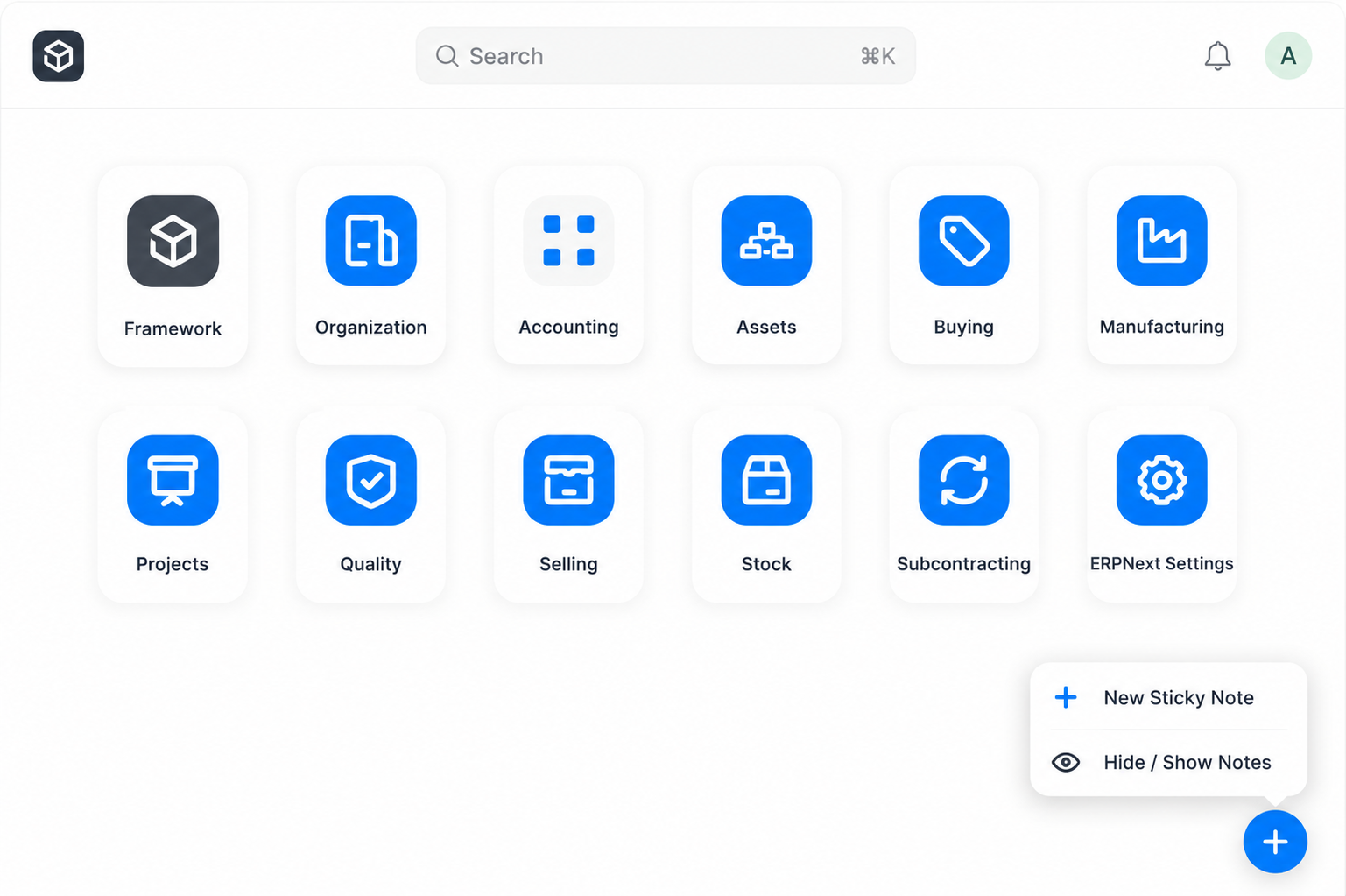
2. Create a New Sticky Note :-
Click on “New Sticky Note” to create a new note.
Enter the required note details and select your preferred note color.
Finally, click on the “Create” button to add the sticky note to the dashboard.
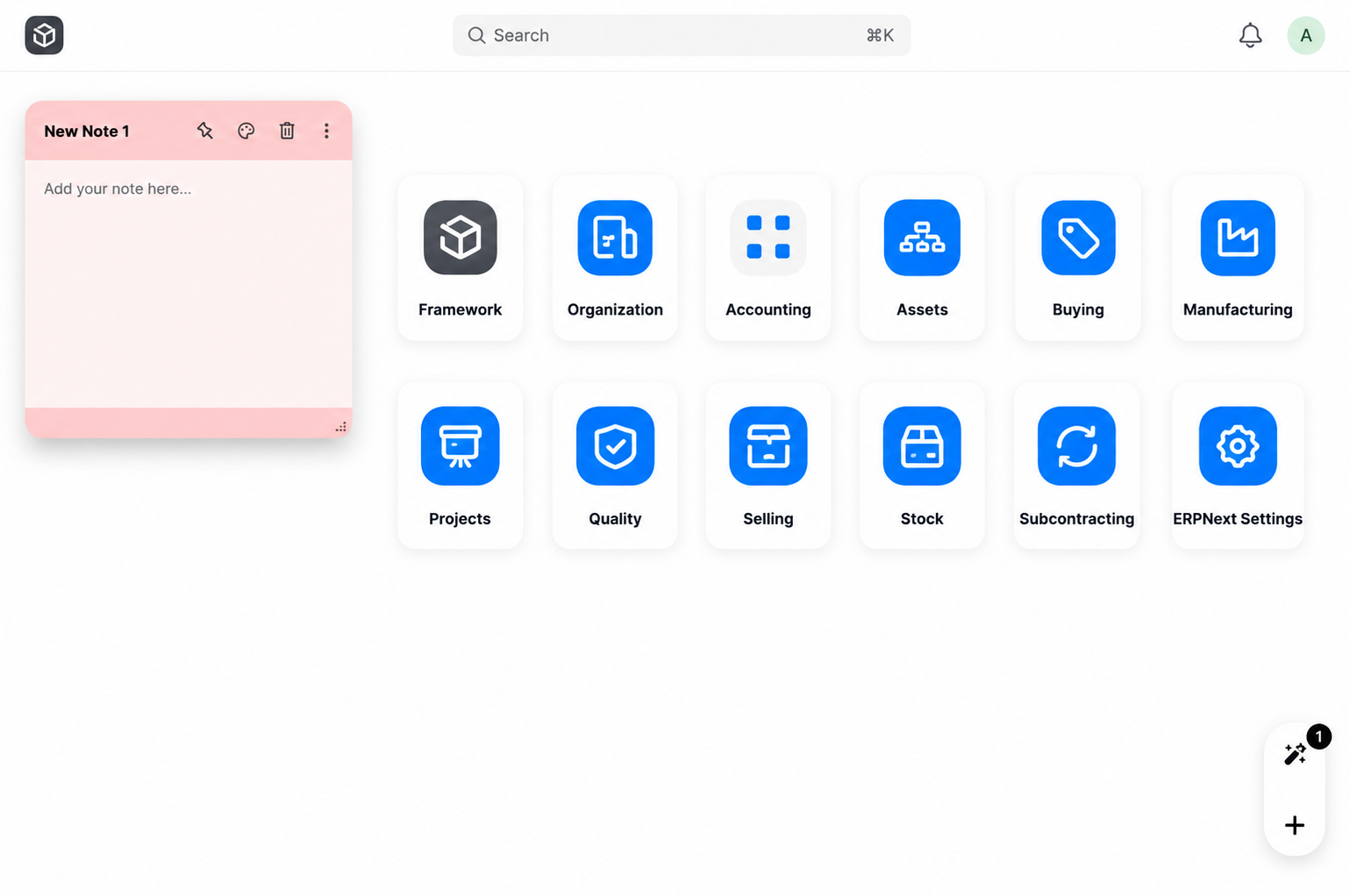
3. Manage Sticky Notes :-
After creation, the sticky note will be displayed on the dashboard.
Users can perform the following actions:
- Pin or Unpin the sticky note
- Change the sticky note color
- Delete the sticky note
- Minimize or Expand the sticky note
- Drag and Move the sticky note anywhere on the dashboard
Note :-
1. Sticky notes can be moved freely anywhere on the dashboard.
2. Users can create multiple sticky notes with different colors for better organization.
Kanak Sticky Notes Support
- Sticky Notes Installation & Setup Assistance
- Frappe Desk Integration Support
- Drag & Drop and Resizable Notes Guidance
- Pin/Unpin Notes & Auto Save Configuration
- Performance Optimization & UI Assistance
- Bug Fixes, Upgrade & Customization Support
Version 16 (Latest Release)
- Floating Sticky Notes on Frappe Desk
- Drag & Drop Positioning Support
- Resizable Sticky Note Cards
- Pin & Unpin Important Notes
- Automatic Note Content Saving
- Persistent Notes Across Sessions
- Multi-Note Management Support
- Clean & Lightweight User Interface
- Seamless Frappe Framework v15 Integration
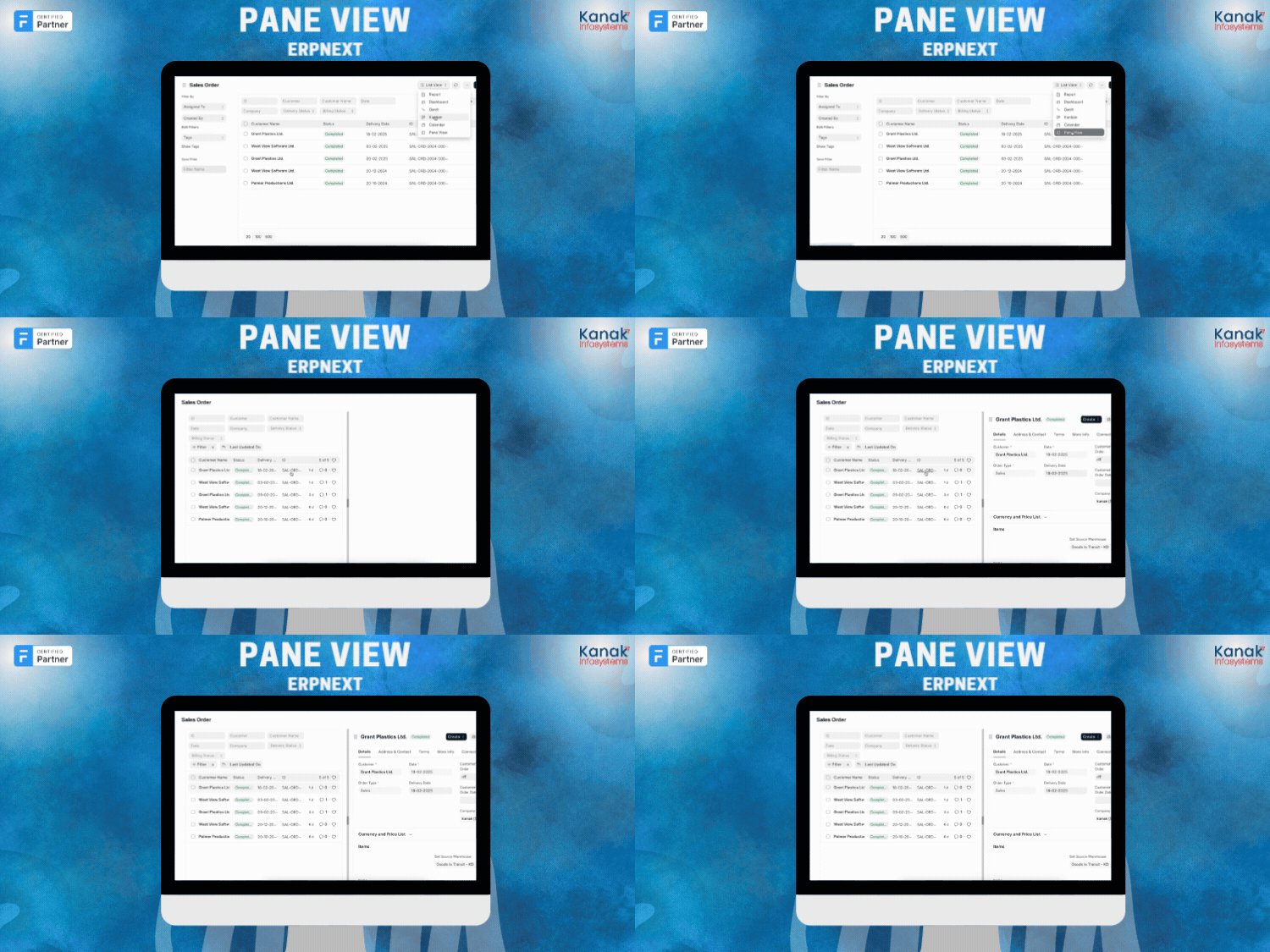
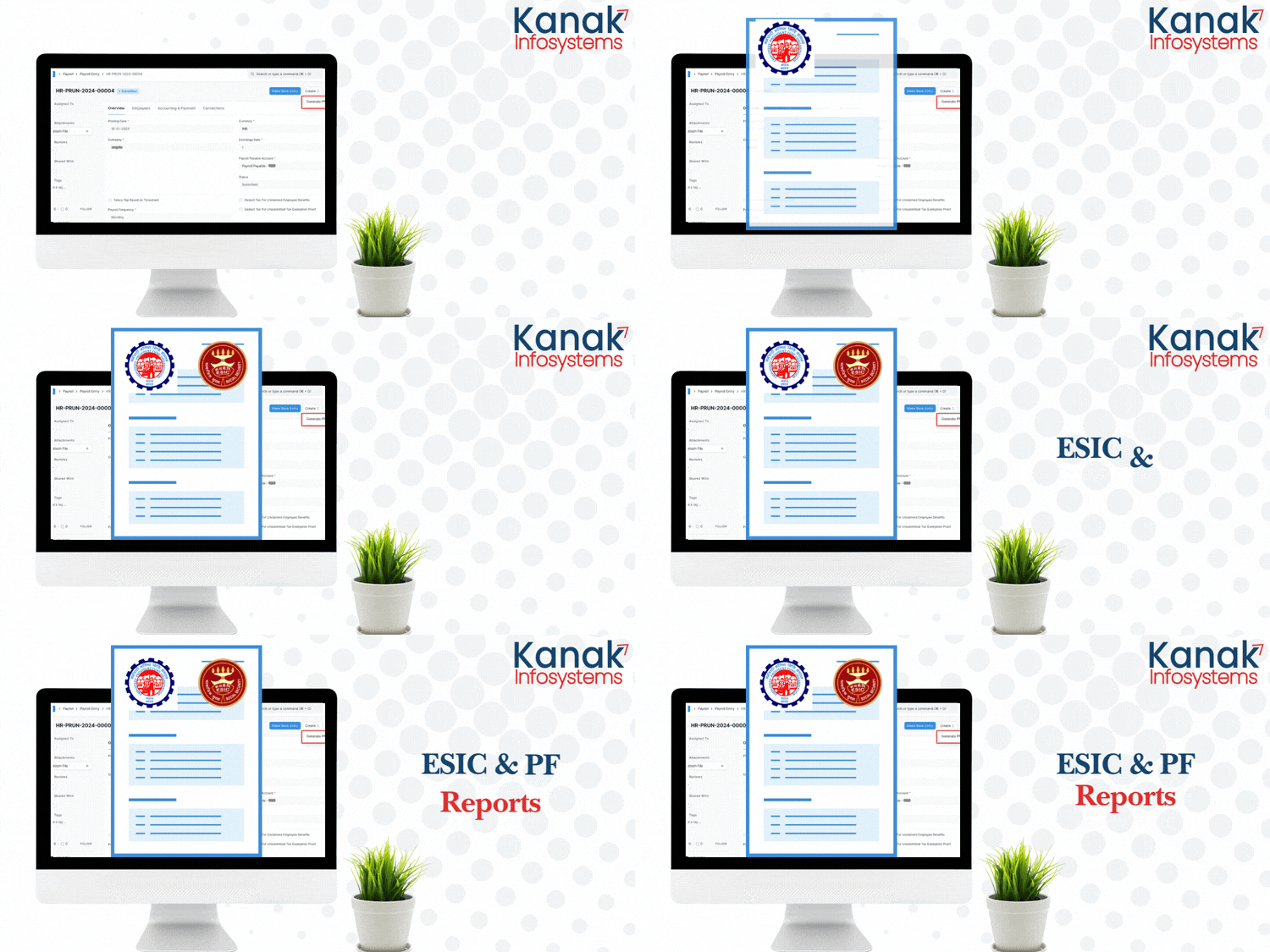
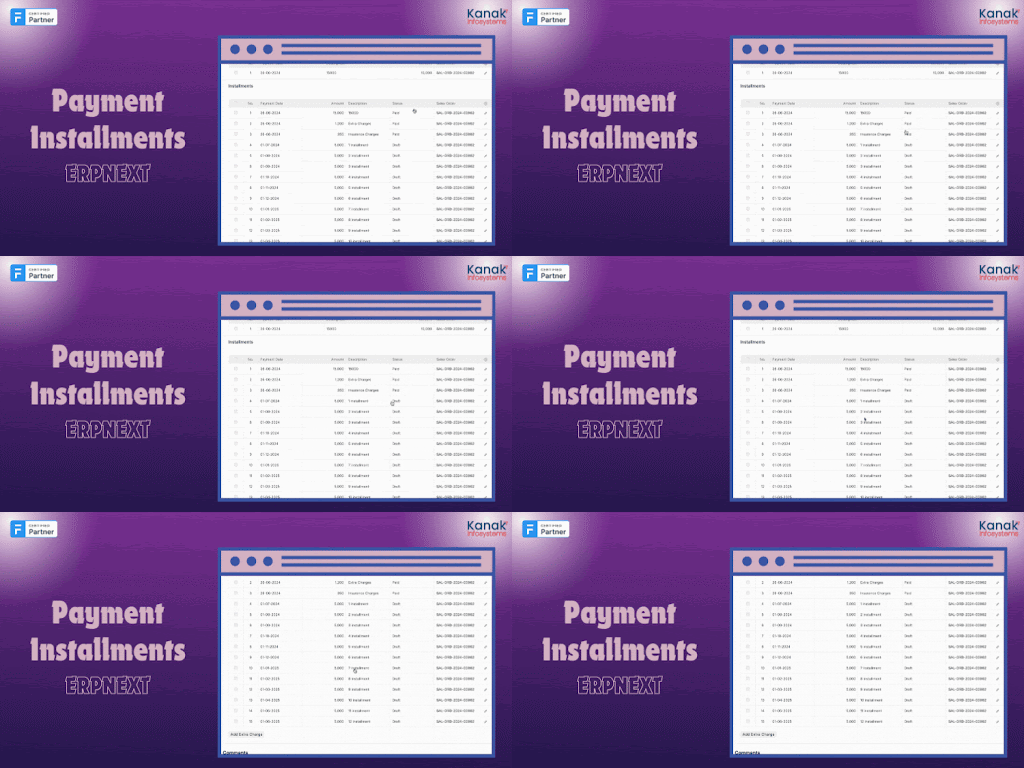
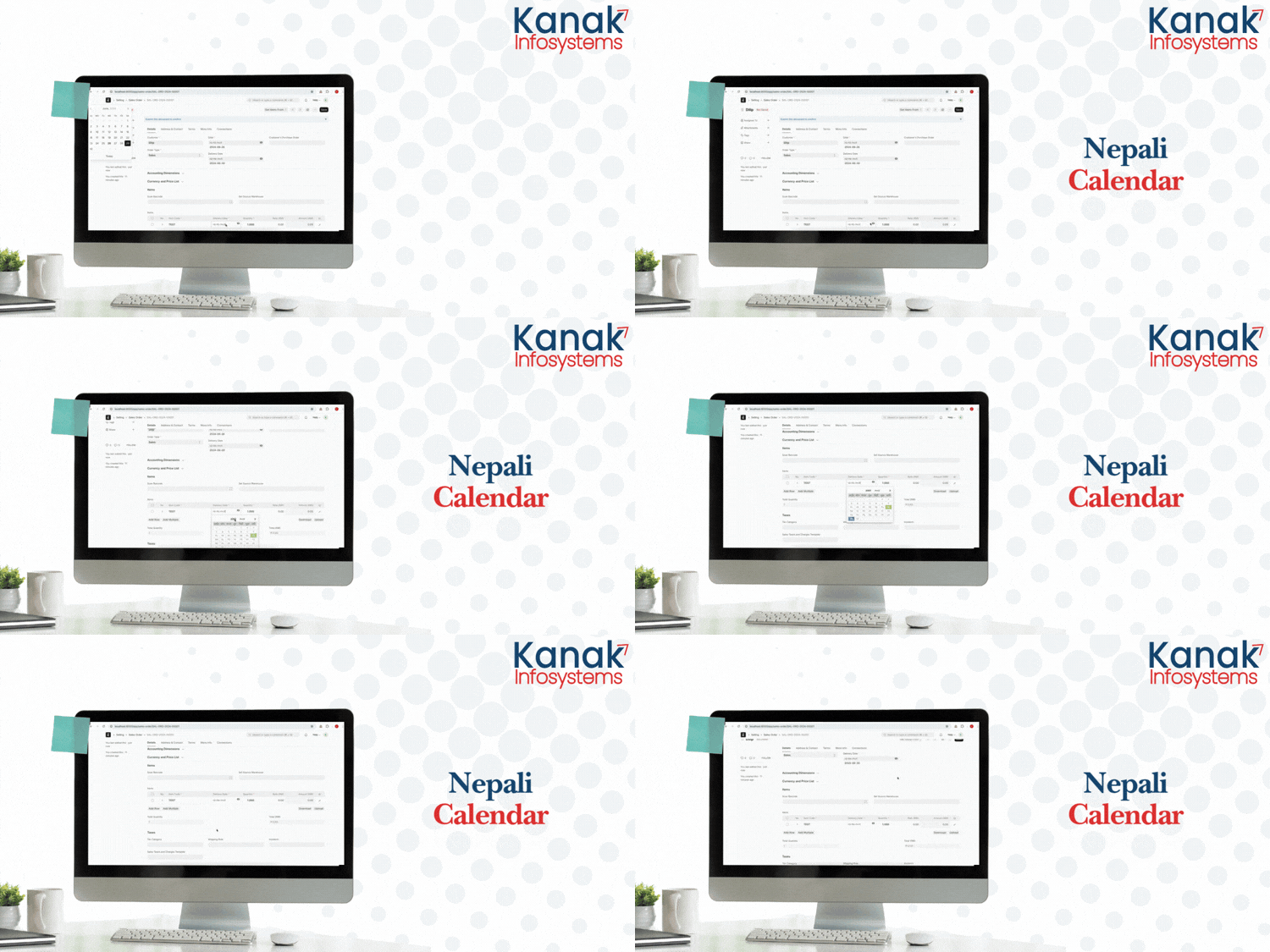
Our Frappe Apps








Frappe Proprietary License v1.0

This software and associated files (the "Software") may only be used (executed,
modified, executed after modifications) if you have purchased a valid license
from the authors, typically via Frappe Apps, or if you have received a written
agreement from the authors of the Software (see the COPYRIGHT file).

You may develop Frappe apps that use the Software as a library (typically
by depending on it, importing it and using its resources), but without copying
any source code or material from the Software. You may distribute those
apps under the license of your choice, provided that this license is
compatible with the terms of the Frappe Proprietary License (For example:
LGPL, MIT, or proprietary licenses similar to this one).

It is forbidden to publish, distribute, sublicense, or sell copies of the Software
or modified copies of the Software.

The above copyright notice and this permission notice must be included in all
copies or substantial portions of the Software.

THE SOFTWARE IS PROVIDED "AS IS", WITHOUT WARRANTY OF ANY KIND, EXPRESS OR
IMPLIED, INCLUDING BUT NOT LIMITED TO THE WARRANTIES OF MERCHANTABILITY,
FITNESS FOR A PARTICULAR PURPOSE AND NONINFRINGEMENT.
IN NO EVENT SHALL THE AUTHORS OR COPYRIGHT HOLDERS BE LIABLE FOR ANY CLAIM,
DAMAGES OR OTHER LIABILITY, WHETHER IN AN ACTION OF CONTRACT, TORT OR OTHERWISE,
ARISING FROM, OUT OF OR IN CONNECTION WITH THE SOFTWARE OR THE USE OR OTHER
DEALINGS IN THE SOFTWARE.

Comment on this module. Please Login