 +91 981-810-8884, 0114-214-3250
| Technical Name | spreadsheet_knk |
| License | OPL-1 |
| Technical Name | spreadsheet_knk |
| License | OPL-1 |
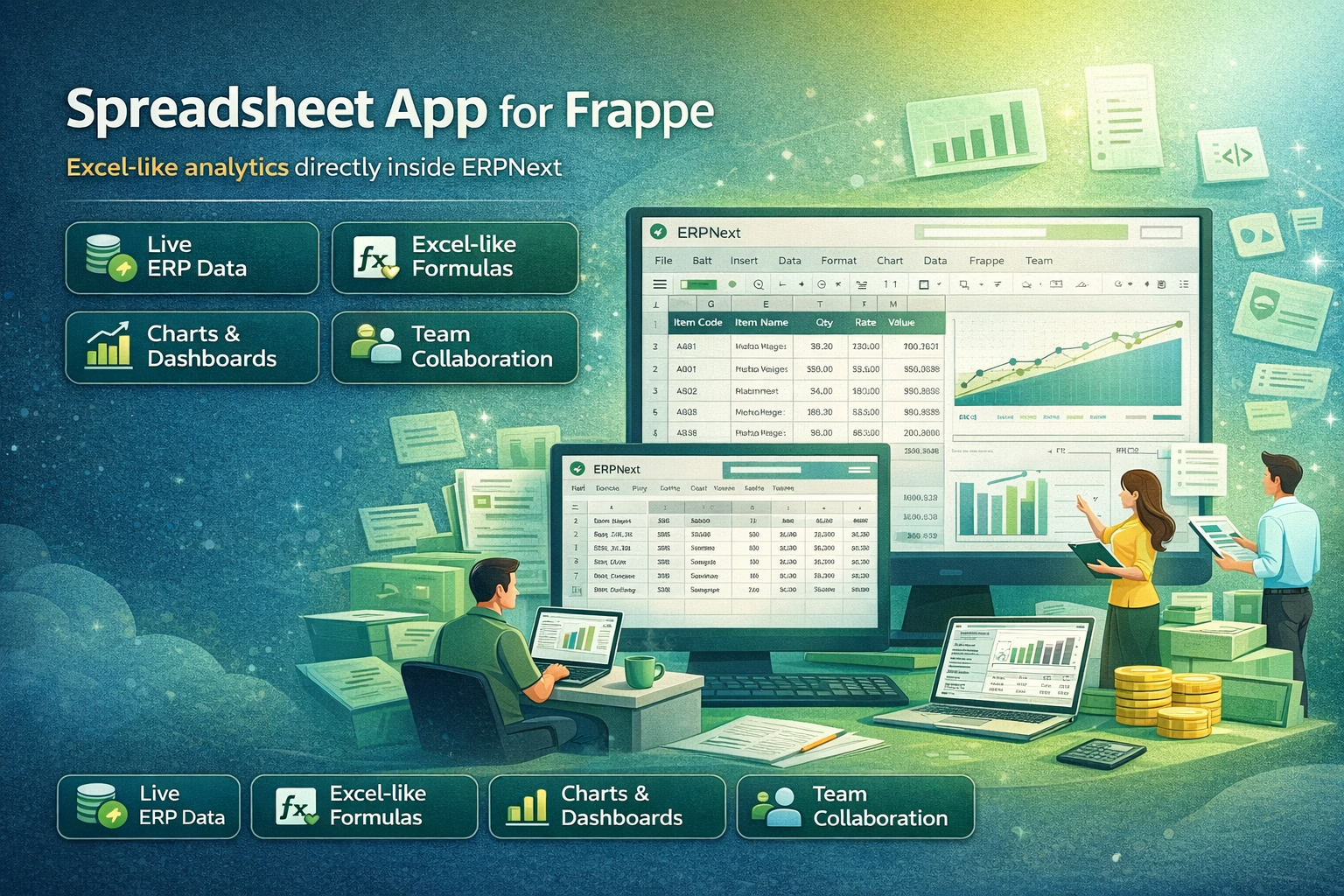
Spreadsheet App for Frappe
Excel-like analytics directly inside ERPNext
Spreadsheet App brings powerful spreadsheet capabilities directly into the Frappe & ERPNext ecosystem.
Users can create live spreadsheets connected to ERP data, perform calculations, build charts, and collaborate with teams without exporting data to Excel.
🚀 Key Features
Powerful spreadsheet capabilities directly connected to ERP data.
Live ERP Data
Create spreadsheets directly from DocType list views or reports with live ERPNext data.
Excel-like Calculations
Perform formulas, calculations, and custom business logic inside the spreadsheet.
Charts & Dashboards
Build bar, line, pie, doughnut, scatter, and stacked charts with dynamic ERP data.
Live Data Refresh
Data is always updated using formula-driven cells connected directly to ERP records.
Collaboration
Share spreadsheets with team members using view or edit permissions.
Excel Export
Export spreadsheets to fully styled Excel (XLSX) including formatting and values.
📌Use Cases
- Ad-hoc business analysis without exporting to Excel
- Interactive management dashboards
- Quote & Sales Order pricing calculations
- Sales forecasting & operational reports
- Financial and management analysis
🚪 Entry Points
Users can access spreadsheets directly from multiple ERPNext locations.
- Create Spreadsheet from any DocType List View
- Open Query Reports as spreadsheets
- Access saved spreadsheets from Spreadsheet Doc
⚙ Live Data Architecture
The Spreadsheet App uses a hybrid architecture where spreadsheet cells contain formulas referencing ERP data instead of copying values.
- Formula-driven cells
- Live refresh on reload
- No duplication of ERP data
🧑💻 Technology Stack
- Backend: Frappe Framework
- Spreadsheet Engine: JSpreadsheet CE
- Charts: Chart.js
- Excel Export: SheetJS
- Storage: JSON state storage
📌 Summary
The Spreadsheet App is not just a report or Excel replacement.
It is a live analytical layer on top of ERP data, combining the power of spreadsheets with real-time ERPNext business data and collaboration features.
It brings together:
📈 Reports + 🧮 Excel + 🔄 Live ERP Data + 🤝 Collaboration
Spreadsheet Module Support
- Spreadsheet Installation & Setup Assistance
- Formula & Data Management Guidance
- ERPNext Integration Support
- Bug Fixes & Performance Optimization
- Customization & Feature Enhancement
Version 15 (Latest Release)
- Spreadsheet Workspace added inside Frappe/ERPNext
- Excel-like Grid Interface for managing structured data
- Formula Support for calculations and data analysis
- Real-time Data Editing within ERPNext environment
- Import & Export Options for spreadsheet data
- Data Linking with ERPNext documents and reports
- Improved UI Performance for large datasets
- Secure Access Control based on ERPNext roles
Our Frappe Apps








Frappe Proprietary License v1.0

This software and associated files (the "Software") may only be used (executed,
modified, executed after modifications) if you have purchased a valid license
from the authors, typically via Frappe Apps, or if you have received a written
agreement from the authors of the Software (see the COPYRIGHT file).

You may develop Frappe apps that use the Software as a library (typically
by depending on it, importing it and using its resources), but without copying
any source code or material from the Software. You may distribute those
apps under the license of your choice, provided that this license is
compatible with the terms of the Frappe Proprietary License (For example:
LGPL, MIT, or proprietary licenses similar to this one).

It is forbidden to publish, distribute, sublicense, or sell copies of the Software
or modified copies of the Software.

The above copyright notice and this permission notice must be included in all
copies or substantial portions of the Software.

THE SOFTWARE IS PROVIDED "AS IS", WITHOUT WARRANTY OF ANY KIND, EXPRESS OR
IMPLIED, INCLUDING BUT NOT LIMITED TO THE WARRANTIES OF MERCHANTABILITY,
FITNESS FOR A PARTICULAR PURPOSE AND NONINFRINGEMENT.
IN NO EVENT SHALL THE AUTHORS OR COPYRIGHT HOLDERS BE LIABLE FOR ANY CLAIM,
DAMAGES OR OTHER LIABILITY, WHETHER IN AN ACTION OF CONTRACT, TORT OR OTHERWISE,
ARISING FROM, OUT OF OR IN CONNECTION WITH THE SOFTWARE OR THE USE OR OTHER
DEALINGS IN THE SOFTWARE.

Comment on this module. Please Login