 +91 981-810-8884, 0114-214-3250
| Technical Name | knk_frappe_group_by |
| License | OPL-1 |
| Also available in version | v 16.0 |
Frappe Advanced Group By
Advanced grouping functionality for Frappe Desk list and report views
Frappe Group By is a standalone Frappe Framework app that enhances list and report views by adding advanced grouping capabilities directly inside the Frappe Desk interface.
The app helps users organize records efficiently using dynamic group-by filters, collapsible grouped sections and improved data visibility for faster analysis and workflow management. It provides a clean and lightweight experience fully integrated with the Frappe Desk environment.
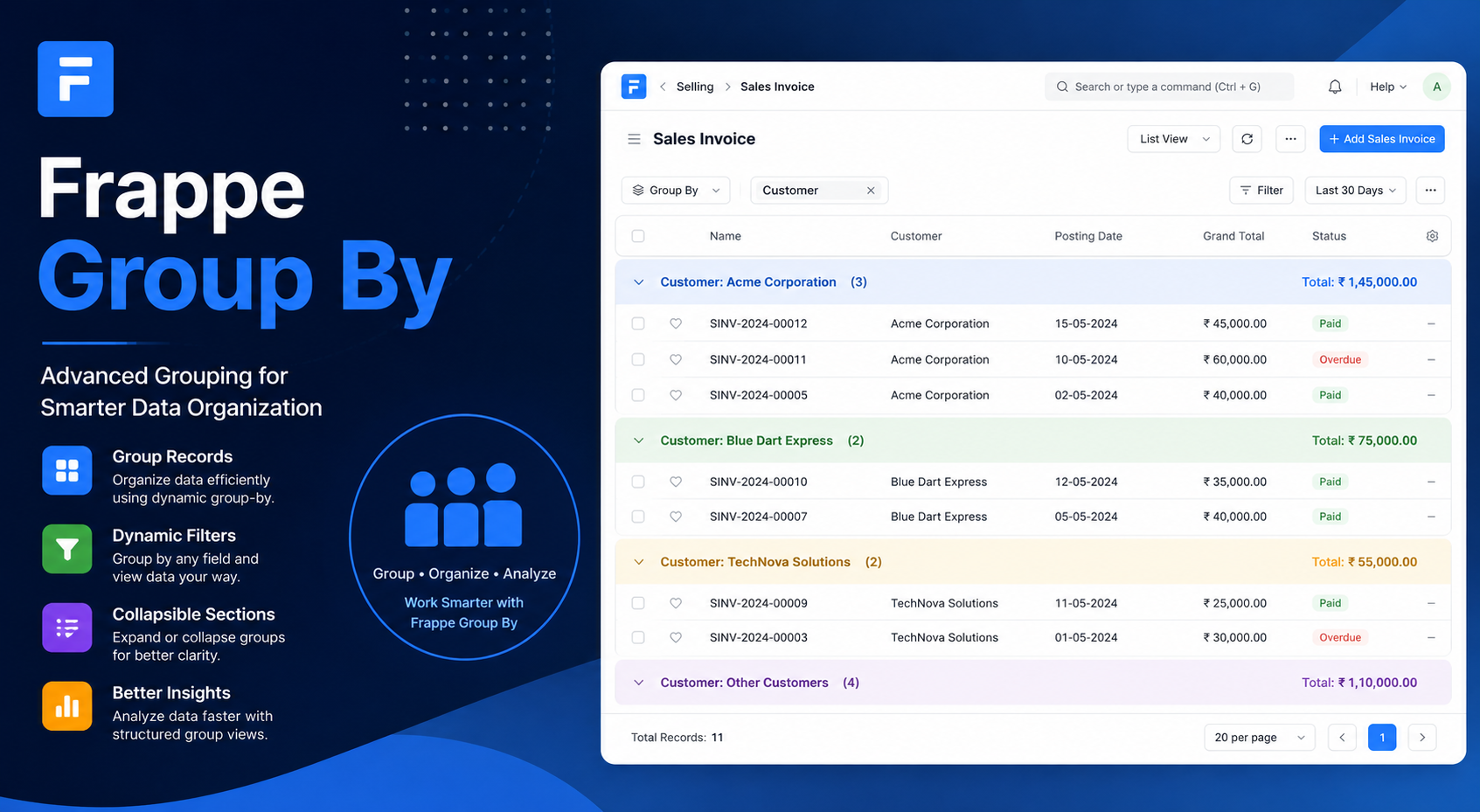
🚀 Frappe Group By Features
Powerful record grouping and data organization directly inside Frappe Desk.
Advanced Group By
Group records efficiently inside list and report views for better organization.
Dynamic Grouping Filters
Dynamically group records based on selected fields and business requirements.
Collapsible Group Sections
Expand or collapse grouped sections for a cleaner and more organized workspace.
Improved Record Organization
Manage and navigate records more effectively with structured grouped layouts.
Faster Data Analysis
Analyze large datasets quickly with better visibility and grouped data presentation.
Easy Navigation
Navigate grouped records smoothly without scrolling through lengthy lists.
Lightweight & Clean UI
Minimal and user-friendly interface designed for a seamless user experience.
Frappe Desk Integration
Works seamlessly within the native Frappe Framework Desk environment.
Custom DocType Support
Compatible with standard and custom DocTypes for flexible business workflows.
Easy Customization
Customize grouping behavior and extend functionality based on project needs.
Enhanced Report Views
Improve report readability and visibility with structured grouped data sections.
Productivity Improvement
Reduce manual filtering efforts and improve workflow efficiency across teams.
How to Use Frappe Group By
1. Open the Stock/Item list or dashboard view :-
Click the arrow icon available on the dashboard to select the required Group By fields for organizing records efficiently.
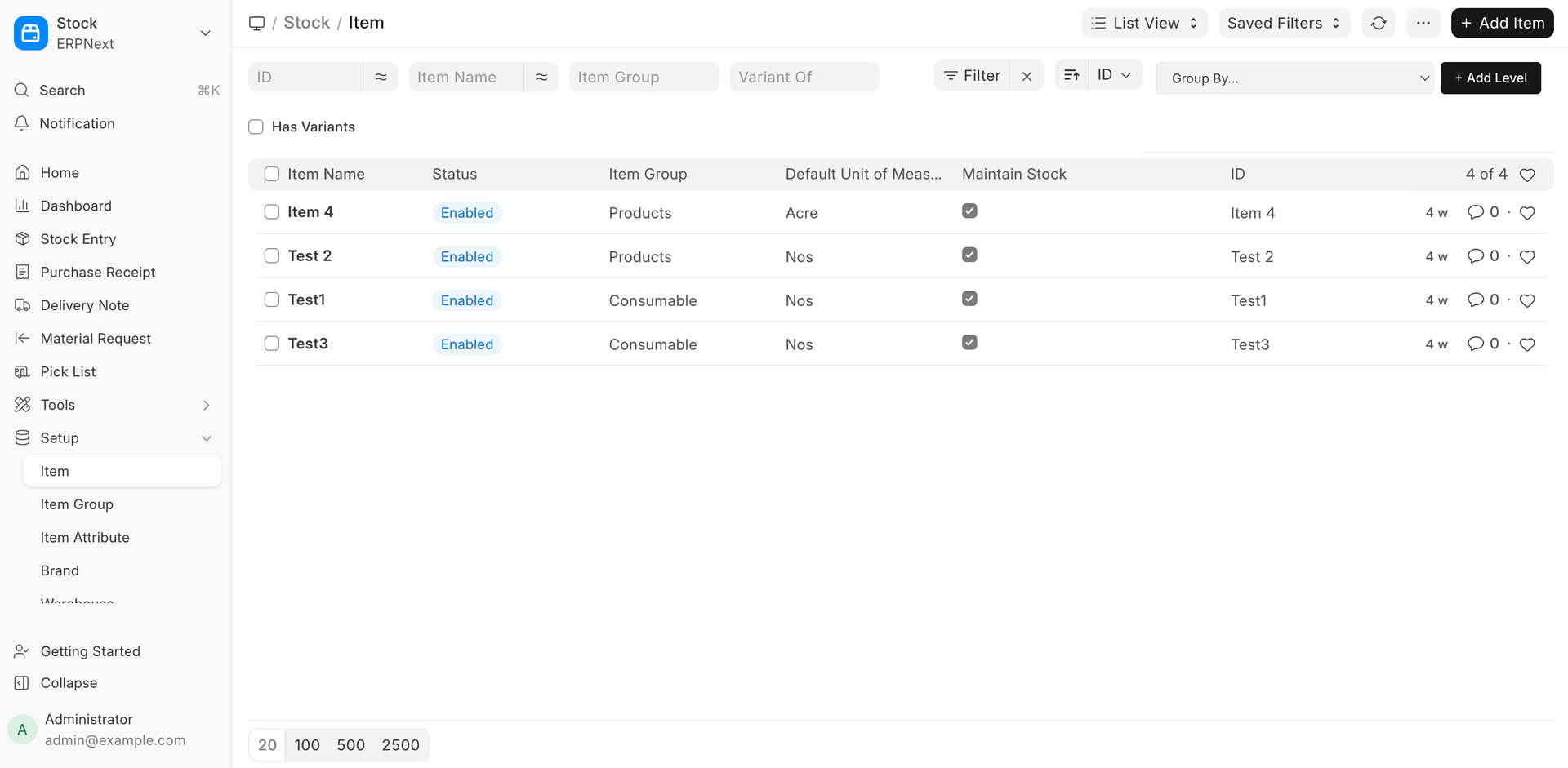
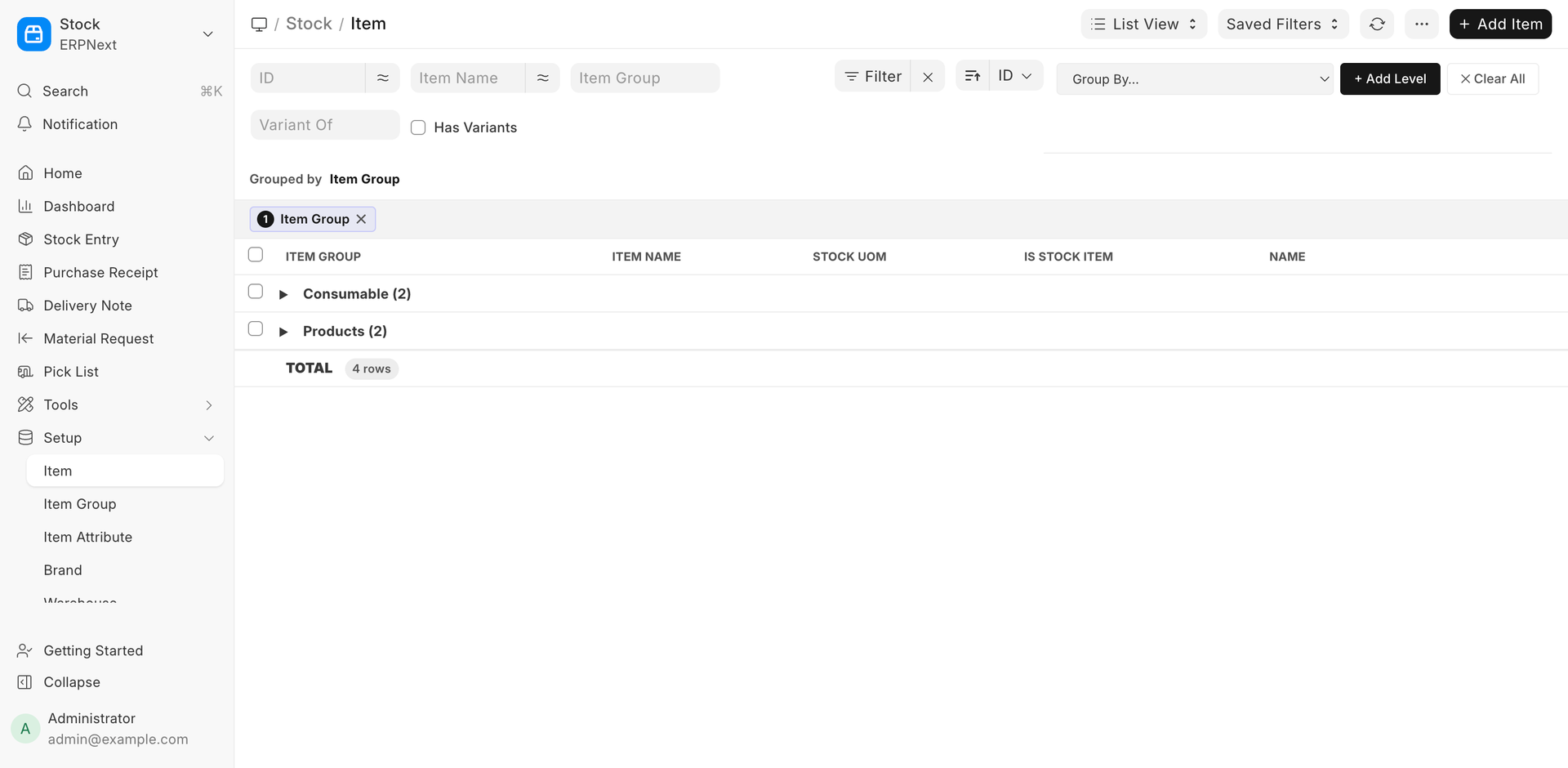
2. After clicking on the “+ Add Level” button, additional grouping fields will be added, allowing users to create multi-level group structures for better data organization and analysis.
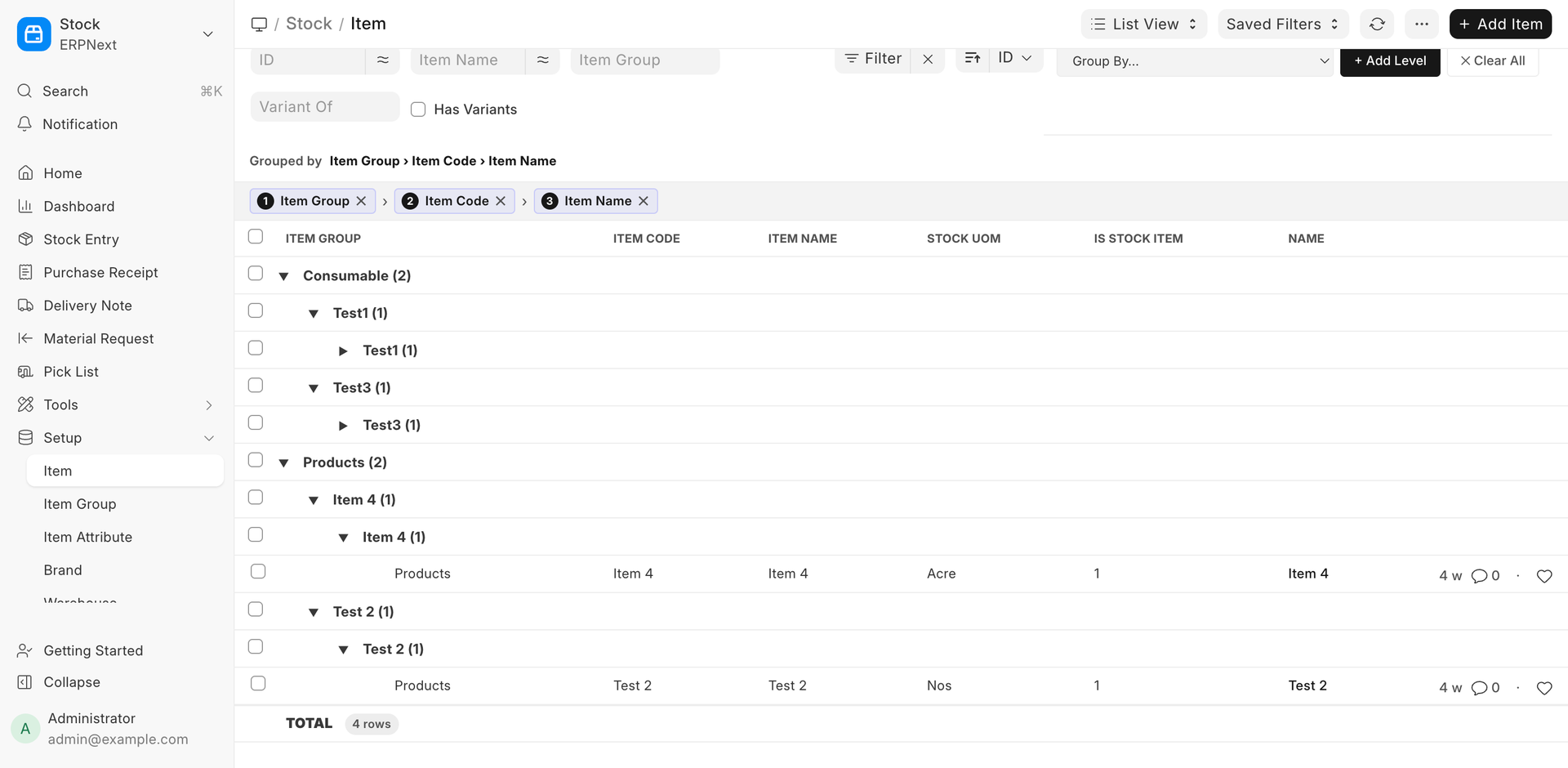
3. Users can add multiple fields for grouping, enabling multi-level data organization for better visibility, filtering, and structured analysis.
Note :-
1. Users can apply Group By functionality on all master DocTypes within the Frappe Framework for better record organization and data management.
Frappe Group By Support
- Frappe Group By Installation & Setup Assistance
- List View & Report View Grouping Configuration
- Dynamic Group By Field Support Guidance
- Collapsible Group Section Configuration
- Custom DocType Integration Assistance
- Bug Fixes, Upgrade & Customization Support
Version 15 (Latest Release)
- Advanced Group By Functionality for List Views
- Dynamic Grouping by Multiple Fields
- Collapsible Grouped Record Sections
- Improved Record Organization & Navigation
- Enhanced Data Visibility for Faster Analysis
- Support for Custom DocTypes
- Lightweight & User-Friendly Interface
- Seamless Frappe Framework v15 Integration
- Easy Customization & Extension Support
Our Frappe Apps


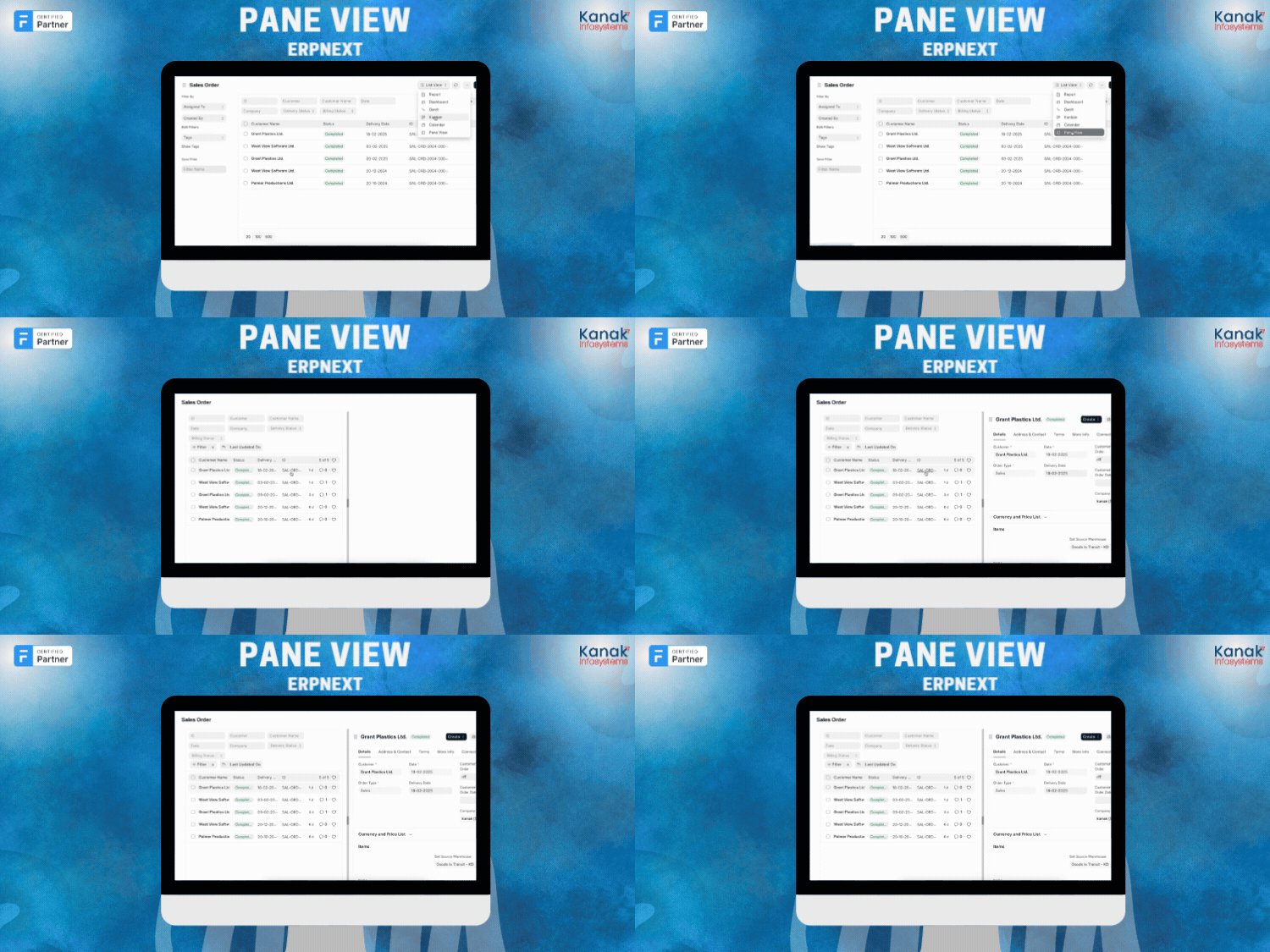
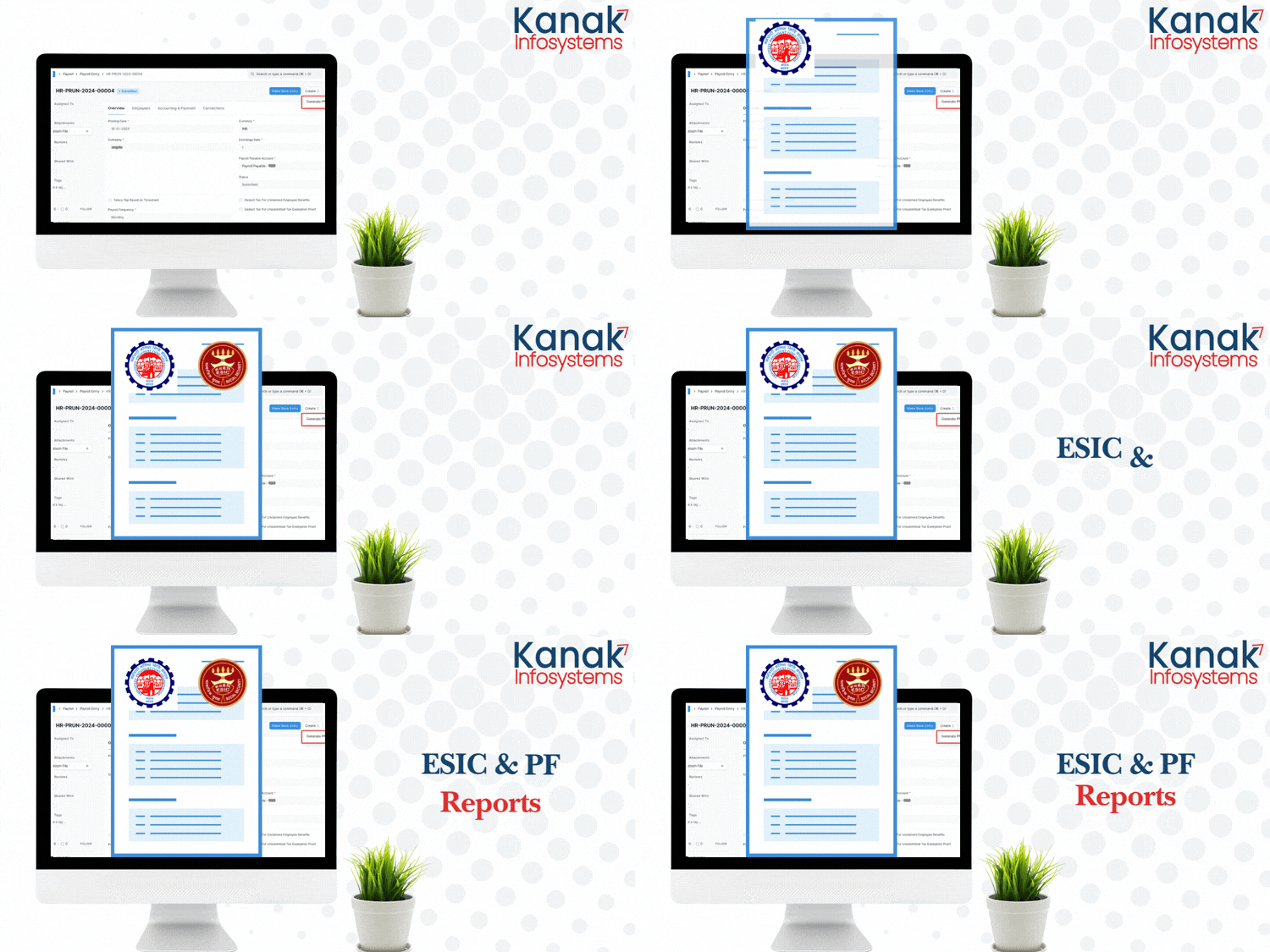
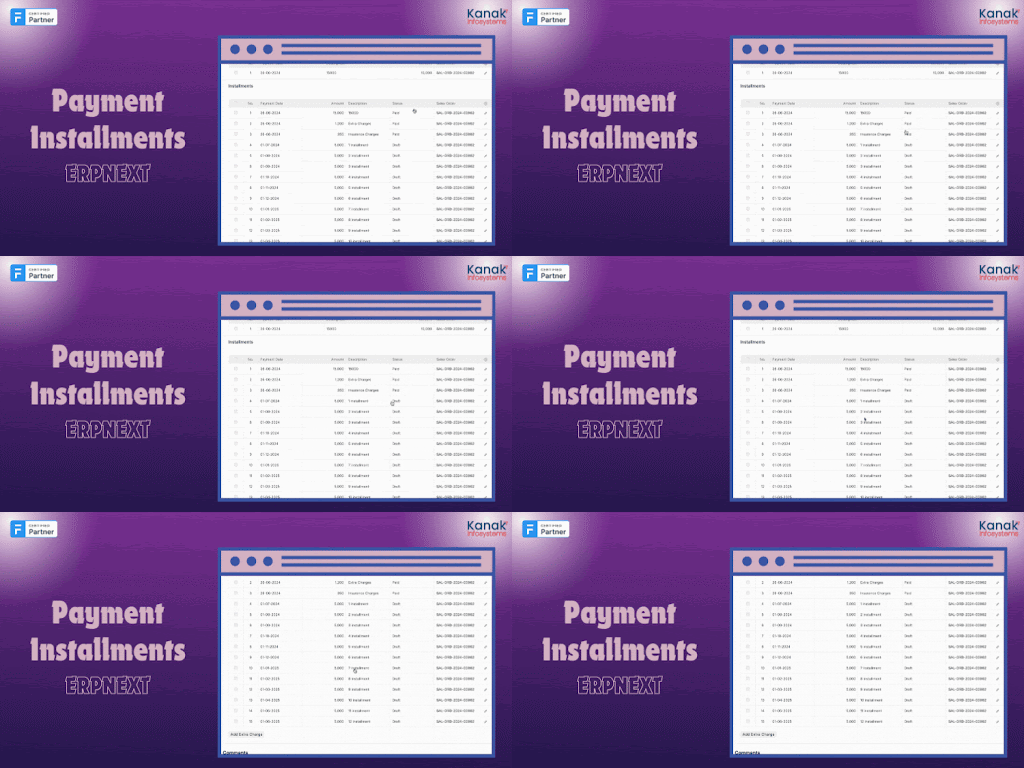





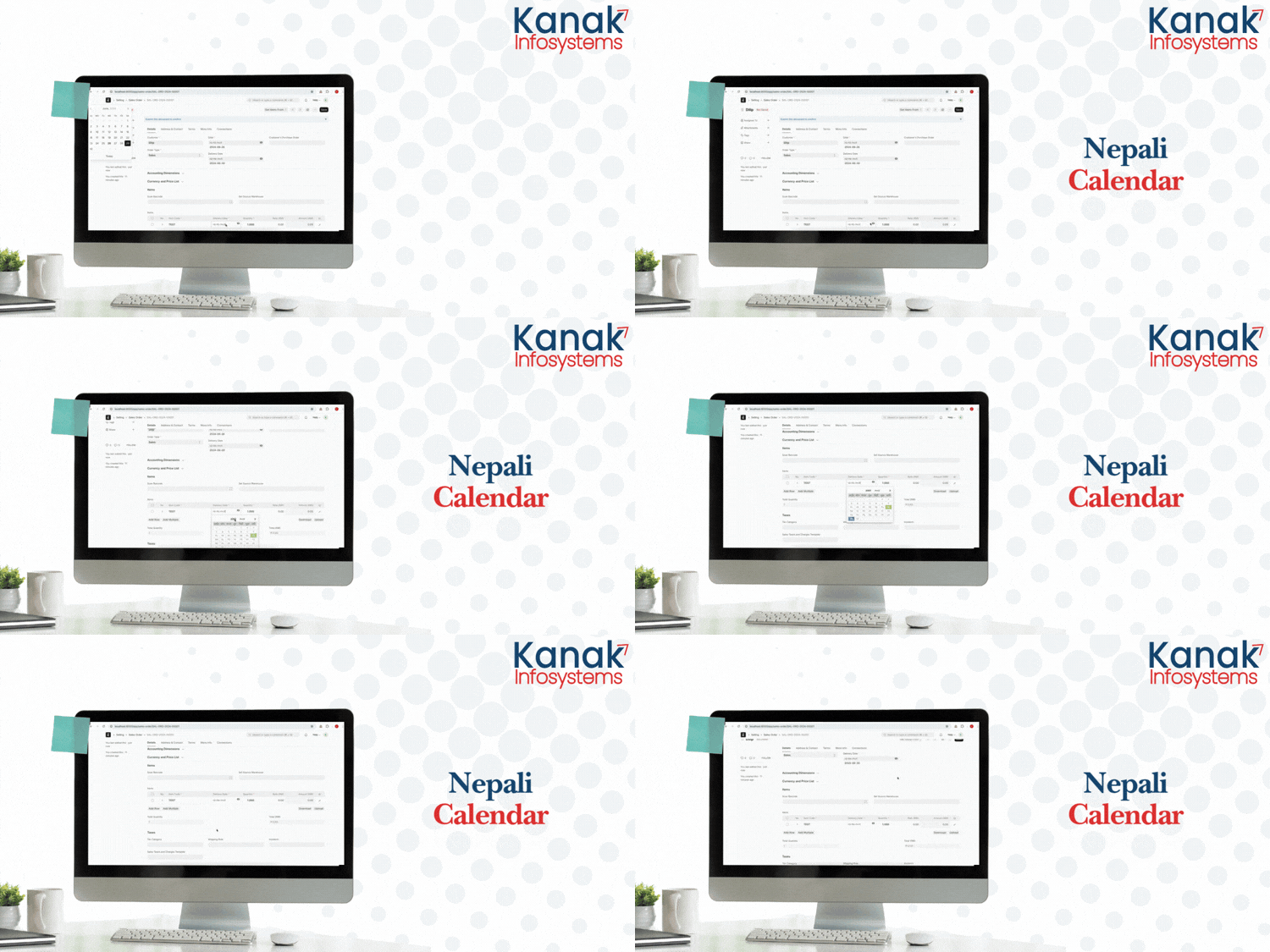

Frappe Proprietary License v1.0

This software and associated files (the "Software") may only be used (executed,
modified, executed after modifications) if you have purchased a valid license
from the authors, typically via Frappe Apps, or if you have received a written
agreement from the authors of the Software (see the COPYRIGHT file).

You may develop Frappe apps that use the Software as a library (typically
by depending on it, importing it and using its resources), but without copying
any source code or material from the Software. You may distribute those
apps under the license of your choice, provided that this license is
compatible with the terms of the Frappe Proprietary License (For example:
LGPL, MIT, or proprietary licenses similar to this one).

It is forbidden to publish, distribute, sublicense, or sell copies of the Software
or modified copies of the Software.

The above copyright notice and this permission notice must be included in all
copies or substantial portions of the Software.

THE SOFTWARE IS PROVIDED "AS IS", WITHOUT WARRANTY OF ANY KIND, EXPRESS OR
IMPLIED, INCLUDING BUT NOT LIMITED TO THE WARRANTIES OF MERCHANTABILITY,
FITNESS FOR A PARTICULAR PURPOSE AND NONINFRINGEMENT.
IN NO EVENT SHALL THE AUTHORS OR COPYRIGHT HOLDERS BE LIABLE FOR ANY CLAIM,
DAMAGES OR OTHER LIABILITY, WHETHER IN AN ACTION OF CONTRACT, TORT OR OTHERWISE,
ARISING FROM, OUT OF OR IN CONNECTION WITH THE SOFTWARE OR THE USE OR OTHER
DEALINGS IN THE SOFTWARE.

Comment on this module. Please Login