 +91 981-810-8884, 0114-214-3250
| Technical Name | portal_stock_check_knk |
| License | OPL-1 |
| Technical Name | portal_stock_check_knk |
| License | OPL-1 |
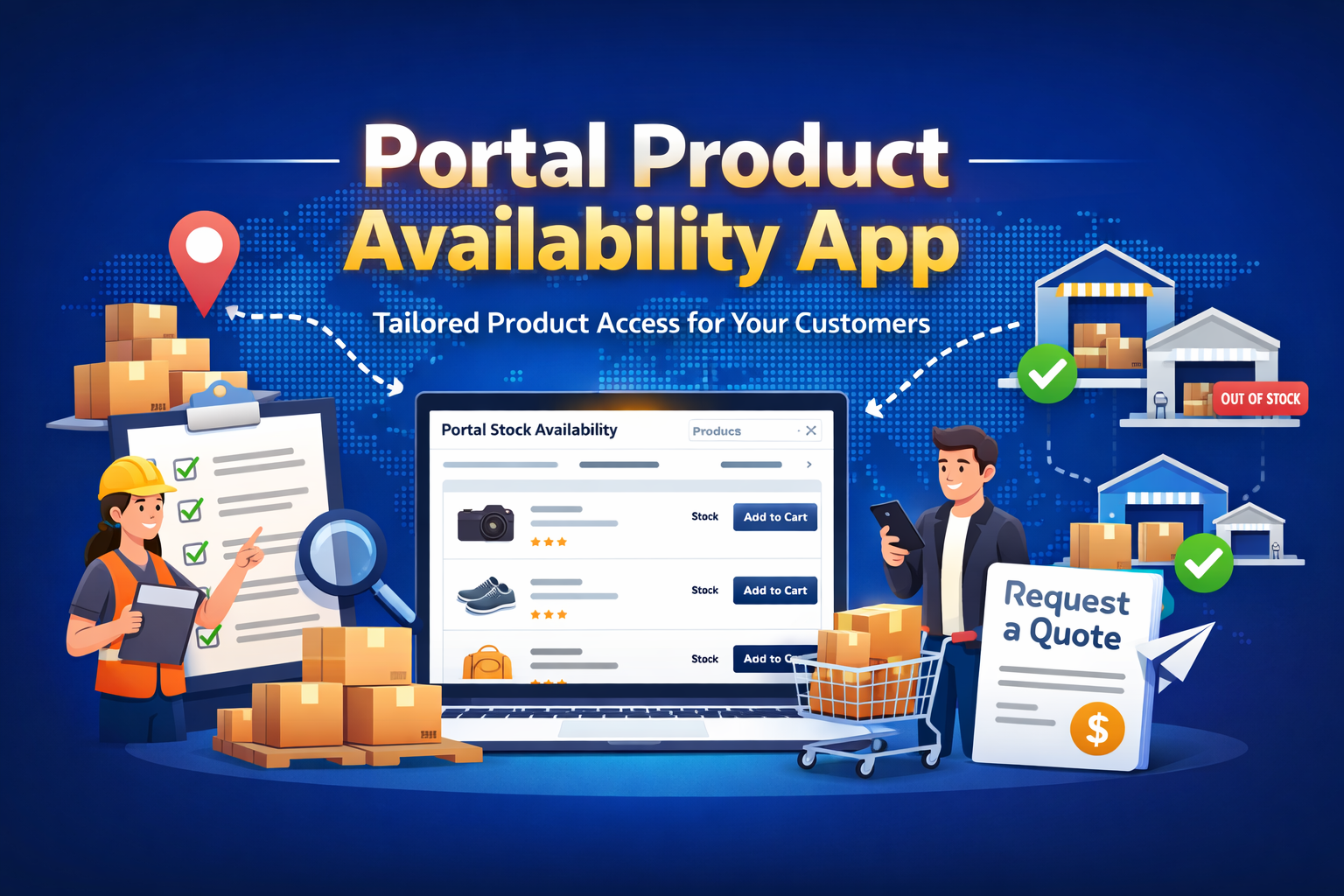
Portal Product Availability
Smart Product Visibility & Warehouse-Based Access Control
Portal Product Availability ensures that customers only see the products they are allowed to purchase based on their assigned access.
It connects specific Warehouses with Customer Groups. When users log in, they can only view stock from their assigned warehouses, ensuring controlled and accurate product visibility.
🚀 Key Features
Complete control over customer-wise product visibility and ordering.
Warehouse Linking
Assign specific warehouses to different customer groups for controlled stock visibility.
Customer Group Control
Define which customers can access which products based on group-level configuration.
Live Stock Visibility
Customers can check real-time product quantities from assigned warehouses.
Product Search
Easily search and filter available items within allowed inventory.
Quick Quotation
Add products to cart and generate quotations instantly from the portal.
How to Use Portal Product Availability
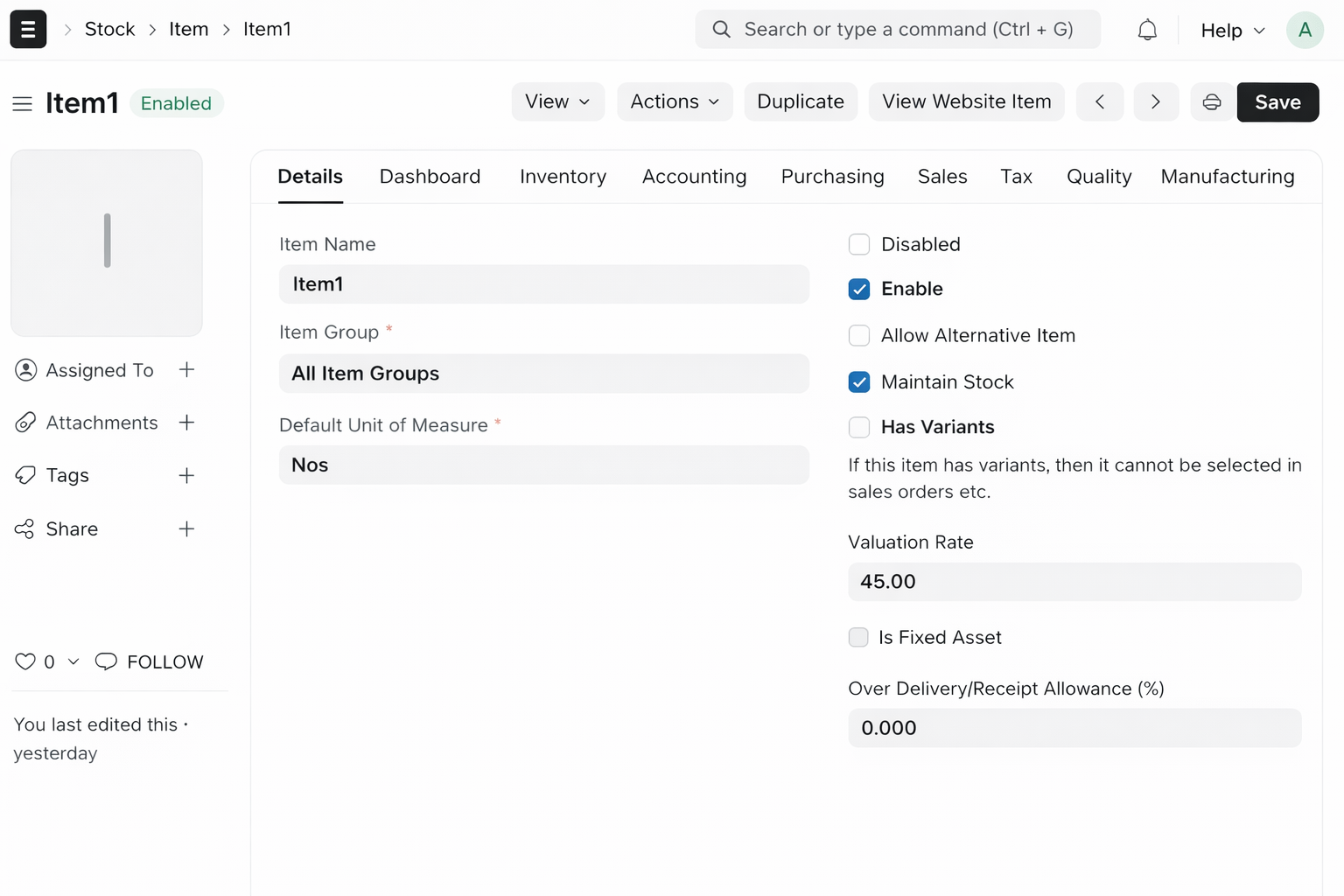
1. Enable Items :-
Go to Item Master and enable the checkbox "Enable".
Only enabled items will be visible on the portal.
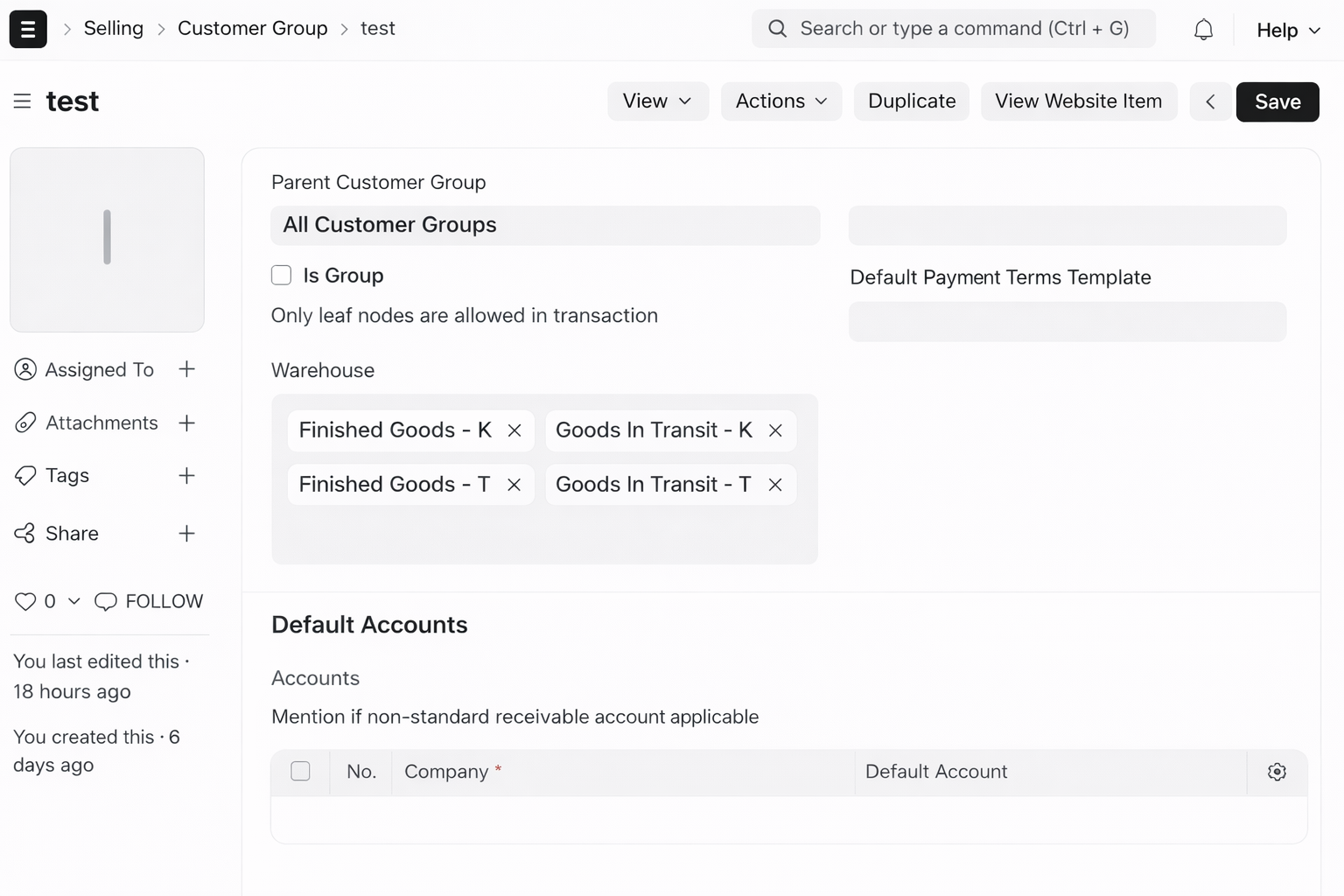
2. Assign Warehouses to Customer Group :-
Go to Customer Group and assign warehouses in the
"Warehouse" field.
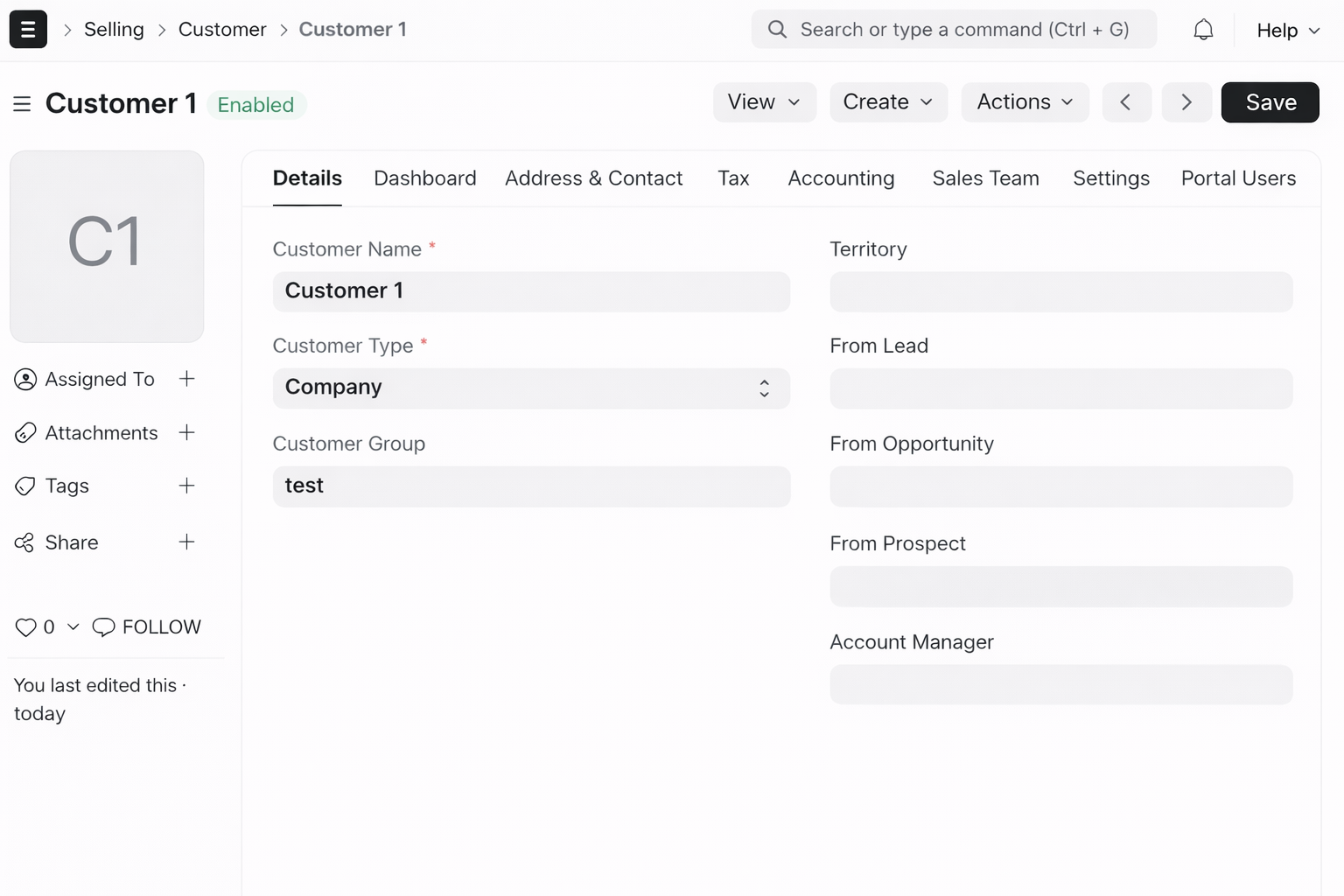
3. Connect Customer with Group :-
Assign the correct Customer Group in Customer Master.
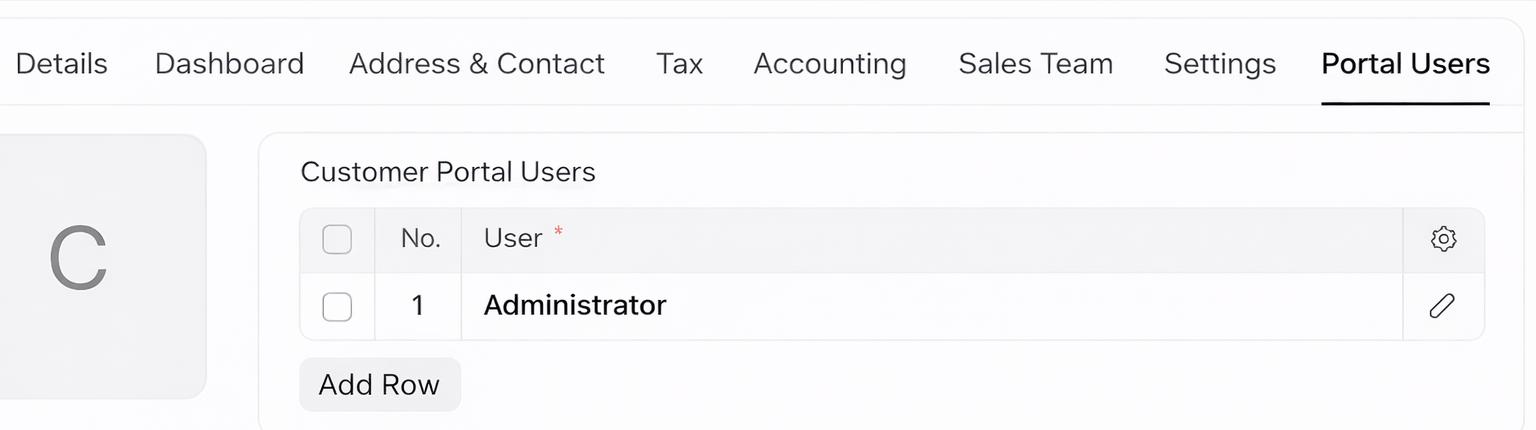
4. Create Portal User :-
Add customer email in Portal Users section.
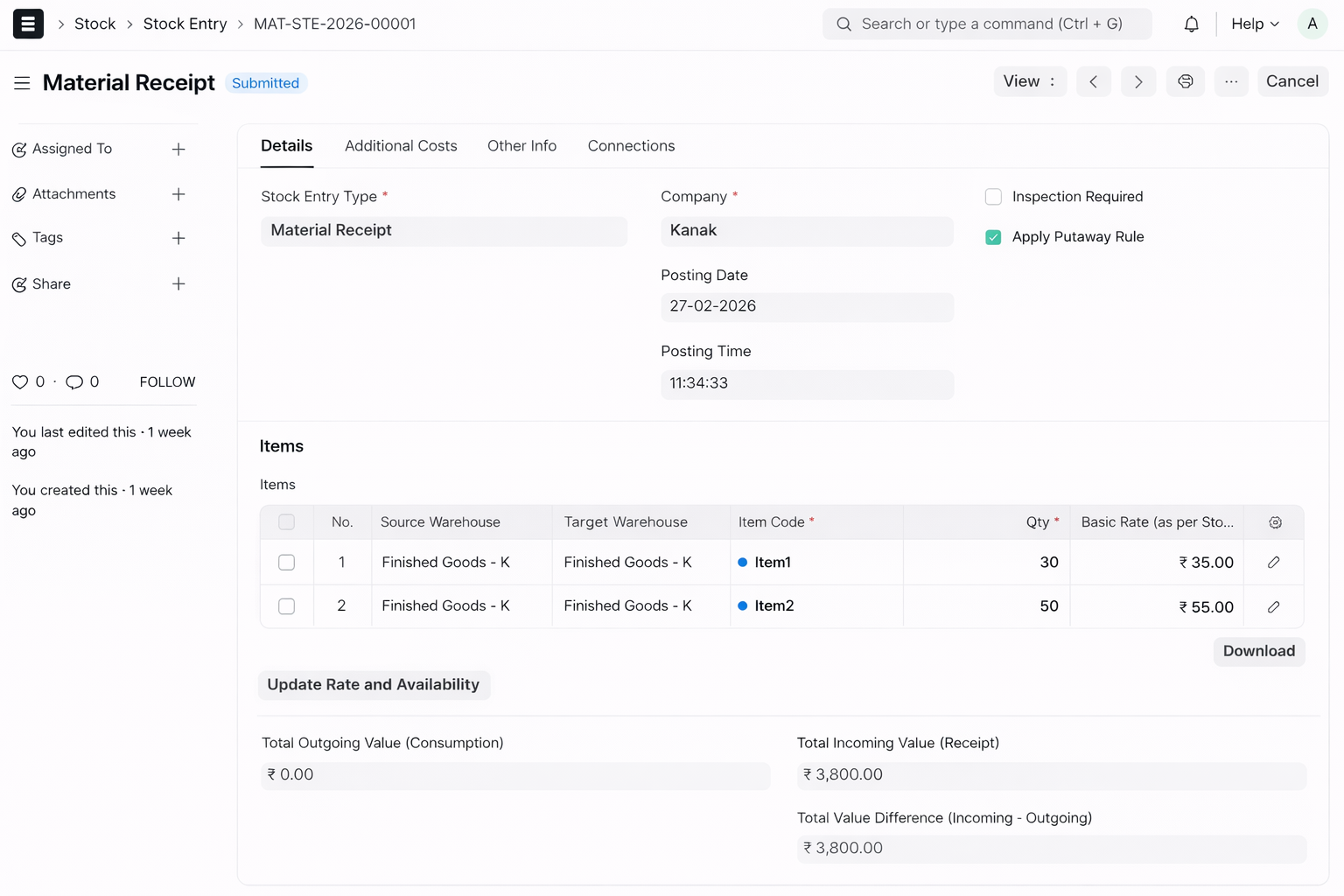
5. Create Stock Entry :-
Add stock to warehouses using Stock Entry.
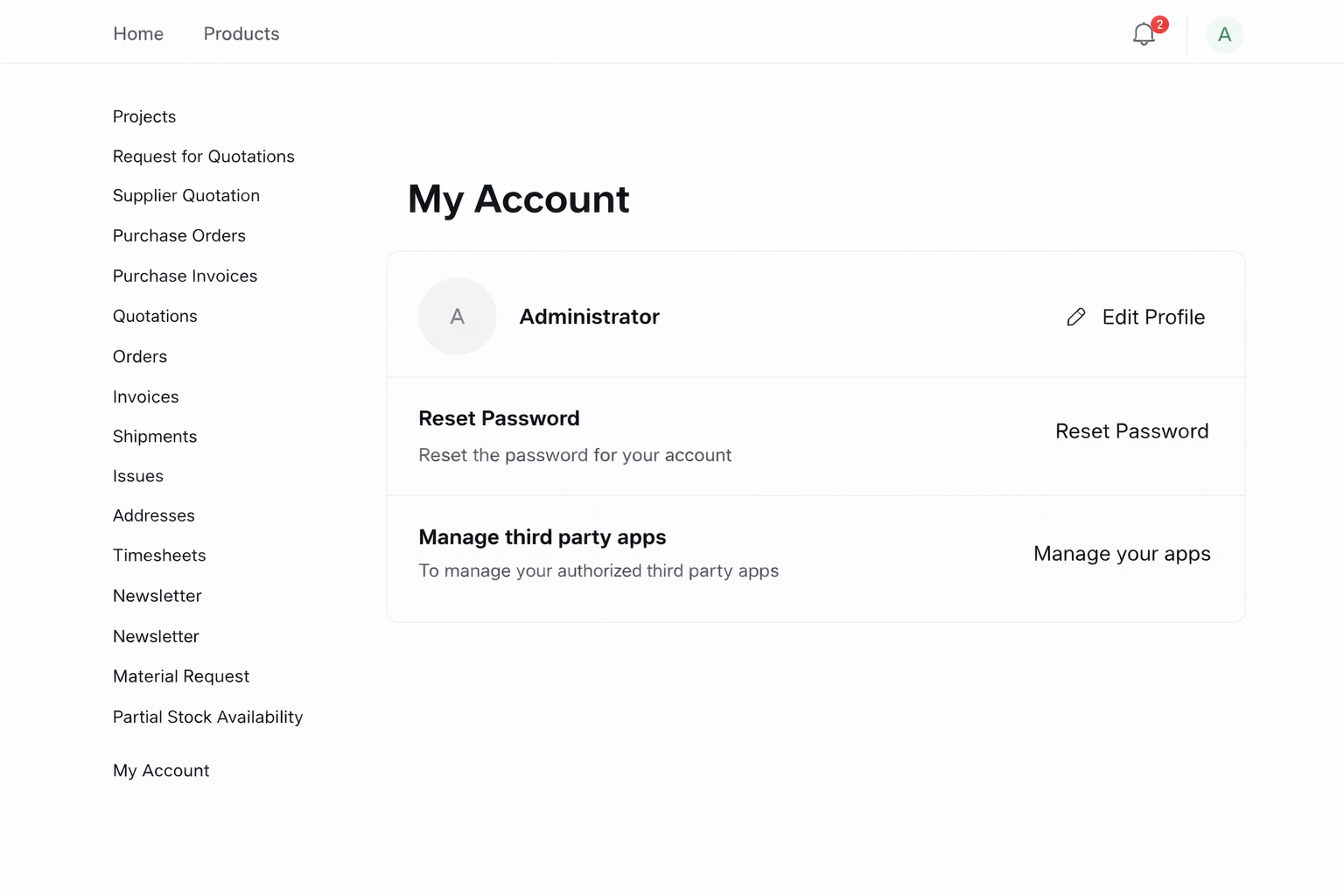
6. Customer Login & Portal Access :-
Customer logs in and opens Portal Stock Availability.
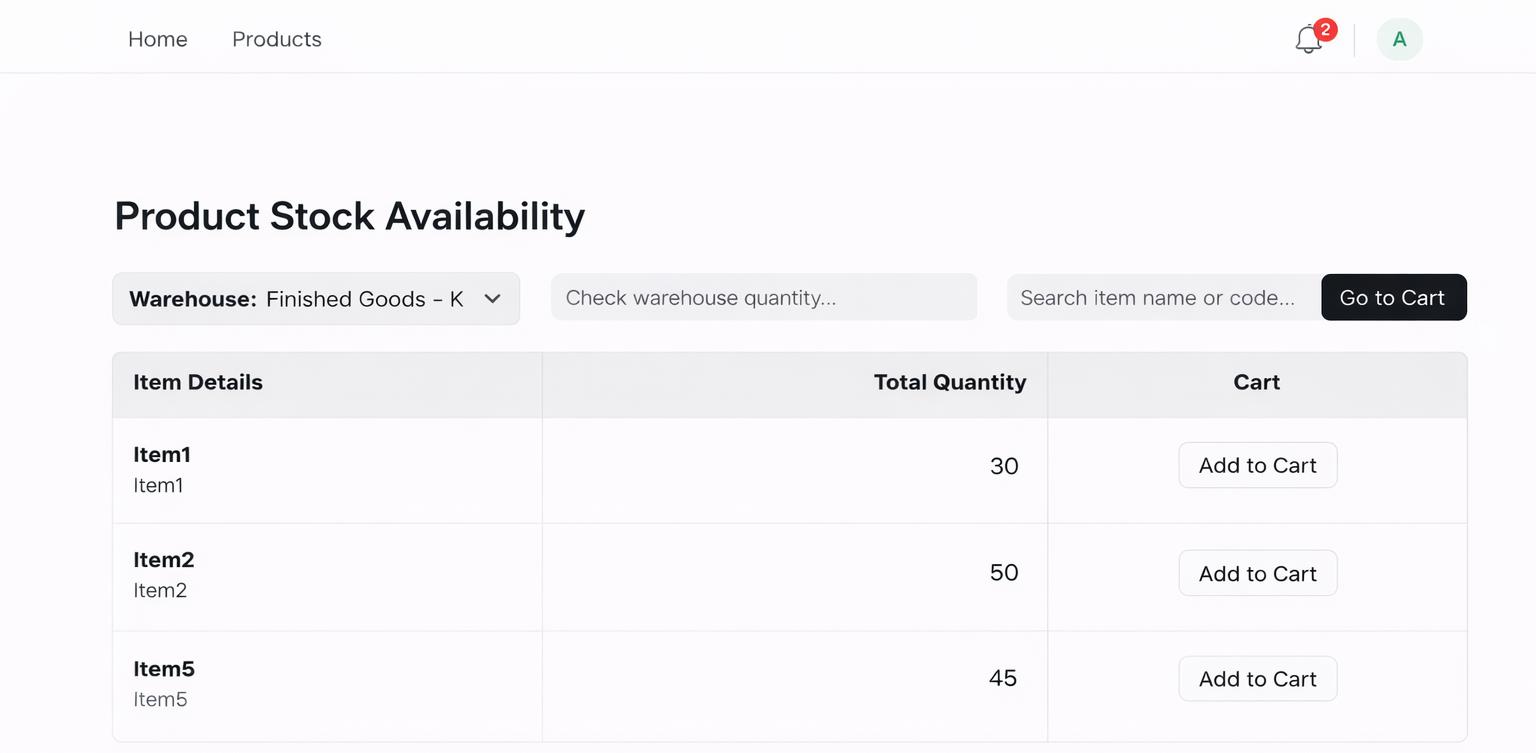
7. Search & Filter :-
Search items and filter by warehouse.
Quick Checklist :-
| Field | Location | Purpose |
|---|---|---|
| Enable | Item Master | Show item on portal |
| Warehouse | Customer Group | Controls stock visibility |
| Customer Group | Customer Master | Links customer access |
| Portal Users | Customer Master | Login access |
Portal Product Availability Support
- Warehouse & Customer Group Mapping Setup
- Portal User Configuration & Access Control
- Item Visibility & Enable Configuration
- Quotation Flow & Cart Setup Guidance
- Bug Fixes & Performance Optimization
Version 15 (Latest Release)
- Portal Product Visibility based on Customer Group
- Warehouse Mapping to control stock access
- Item Enable Feature for portal visibility
- Real-Time Stock Display per warehouse
- Warehouse-wise Filtering for customers
- Add to Cart Validation with stock restrictions
- Quotation Request Flow (Cart → RFQ)
- Portal User Login Integration
- No warehouse is selected
- Stock is not available
Our Frappe Apps








Frappe Proprietary License v1.0

This software and associated files (the "Software") may only be used (executed,
modified, executed after modifications) if you have purchased a valid license
from the authors, typically via Frappe Apps, or if you have received a written
agreement from the authors of the Software (see the COPYRIGHT file).

You may develop Frappe apps that use the Software as a library (typically
by depending on it, importing it and using its resources), but without copying
any source code or material from the Software. You may distribute those
apps under the license of your choice, provided that this license is
compatible with the terms of the Frappe Proprietary License (For example:
LGPL, MIT, or proprietary licenses similar to this one).

It is forbidden to publish, distribute, sublicense, or sell copies of the Software
or modified copies of the Software.

The above copyright notice and this permission notice must be included in all
copies or substantial portions of the Software.

THE SOFTWARE IS PROVIDED "AS IS", WITHOUT WARRANTY OF ANY KIND, EXPRESS OR
IMPLIED, INCLUDING BUT NOT LIMITED TO THE WARRANTIES OF MERCHANTABILITY,
FITNESS FOR A PARTICULAR PURPOSE AND NONINFRINGEMENT.
IN NO EVENT SHALL THE AUTHORS OR COPYRIGHT HOLDERS BE LIABLE FOR ANY CLAIM,
DAMAGES OR OTHER LIABILITY, WHETHER IN AN ACTION OF CONTRACT, TORT OR OTHERWISE,
ARISING FROM, OUT OF OR IN CONNECTION WITH THE SOFTWARE OR THE USE OR OTHER
DEALINGS IN THE SOFTWARE.

Comment on this module. Please Login