 +91 981-810-8884, 0114-214-3250
| Technical Name | knk_frappe_announcement_bar |
| License | OPL-1 |
| Technical Name | knk_frappe_announcement_bar |
| License | OPL-1 |
Frappe Announcement Bar
Smart & Configurable Announcement Banner for Frappe & ERPNext
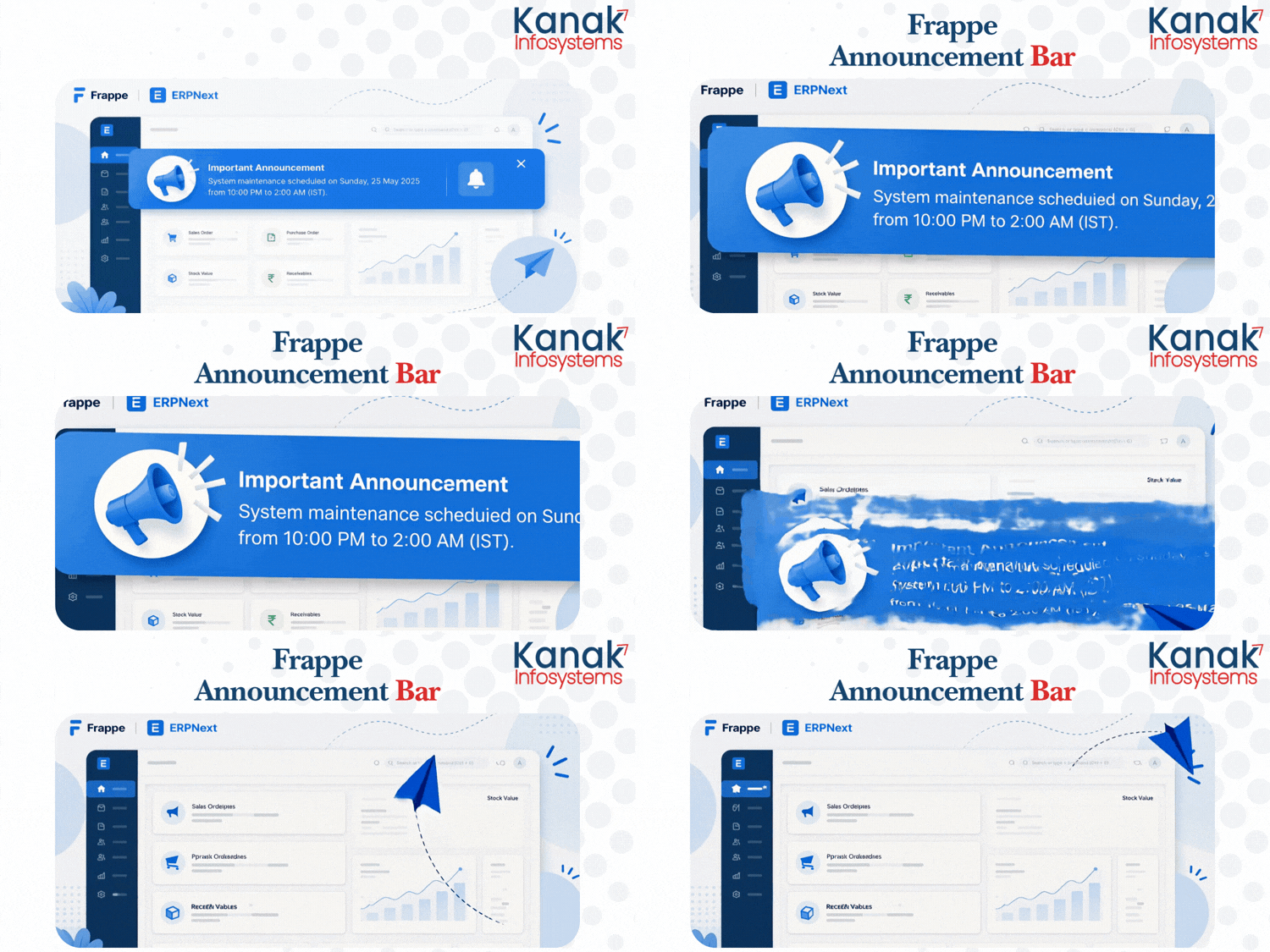
Frappe Announcement Bar enables administrators to display important announcements, maintenance notices, company updates, reminders, and promotional messages across the Frappe Desk. Configure everything directly from the backend with customizable colors and display options—no coding required.
🎉 Key Features
Everything you need to manage announcement banners across Frappe & ERPNext.
Enable / Disable
Turn the announcement bar on or off instantly from the backend.
Announcement Banner
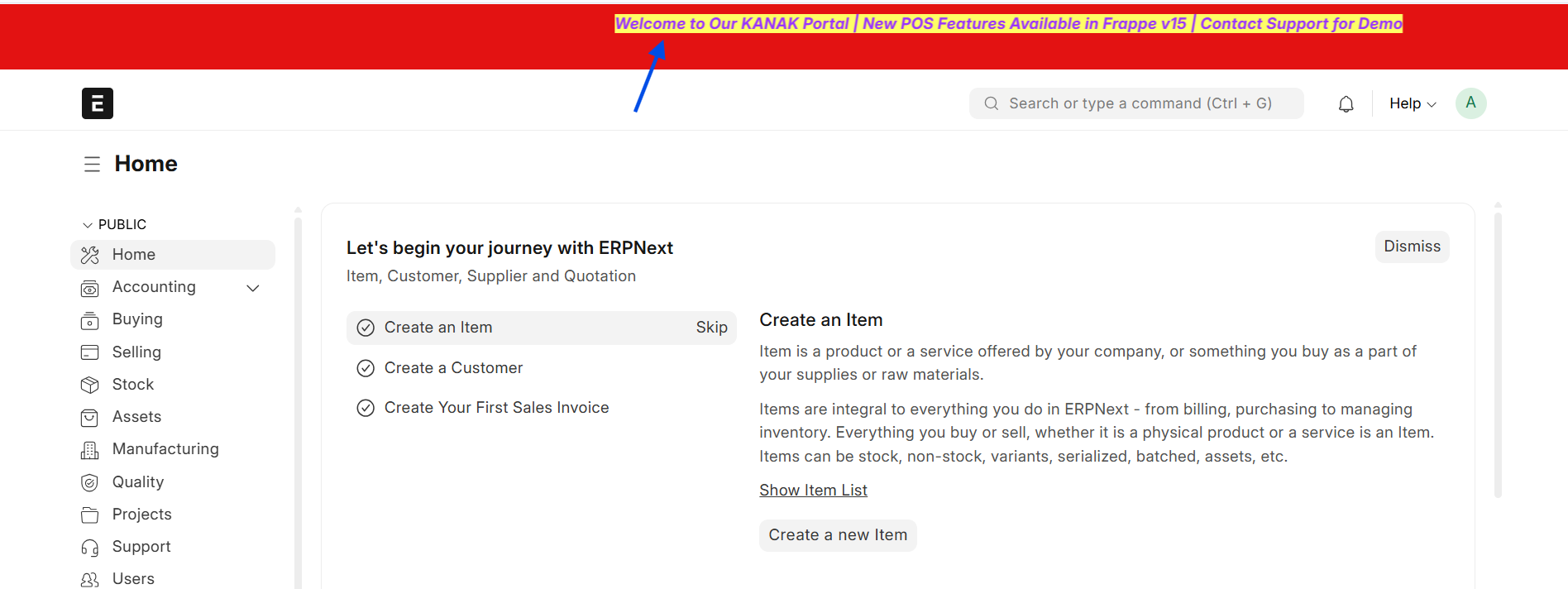
Display important announcements at the top of every Desk page.
Custom Text
Create announcements for maintenance, reminders, promotions, or company news.
Text Color
Select any text color to match your branding and improve readability.
Background Color
Customize the banner background color for different announcement types.
Live Update
Changes appear immediately without restarting the server.
Responsive Design
Works perfectly across desktop, tablet, and mobile devices.
Rich Text Support
Display formatted messages with bold text, links, and basic HTML.
Sticky Top Bar
Keep announcements visible at the top while users navigate the Desk.
Role-Based Visibility
Show announcements only to selected user roles when required.
Schedule Announcement
Configure automatic start and end dates for announcements.
Dismissible Banner
Allow users to close the announcement banner whenever needed.
How to Use Announcement Bar
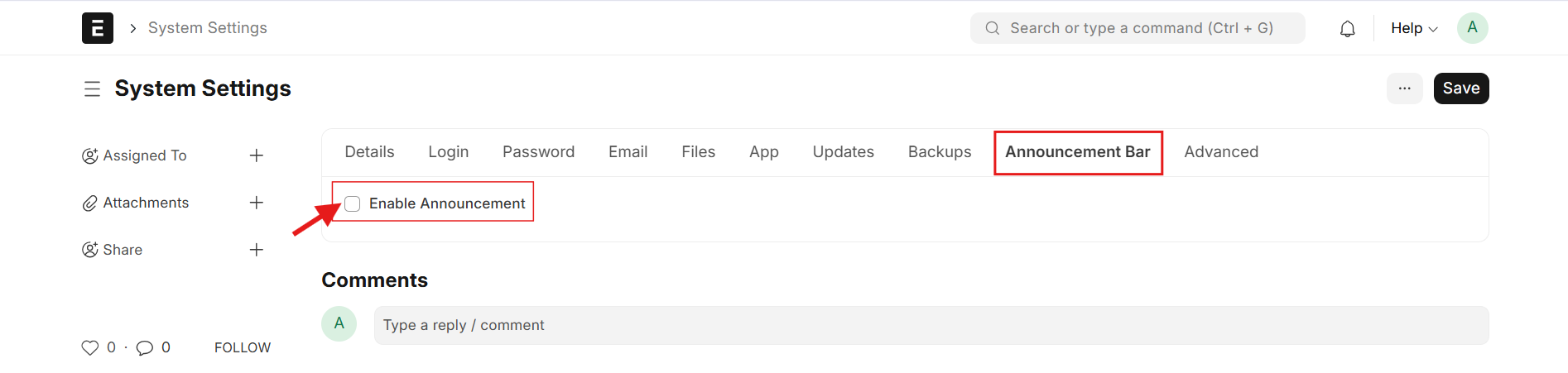
1. Create an Announcement: Open System Settings → Announcement Bar tab and enable Enable Announcement
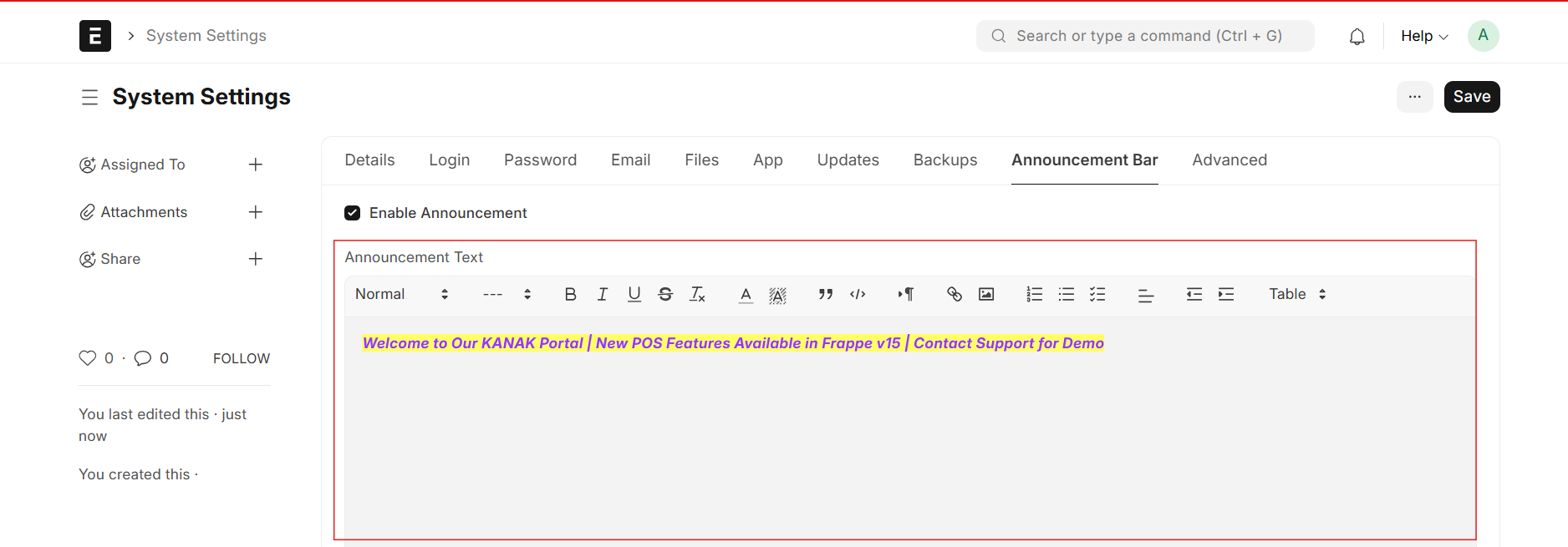
2. Enable Announcement: Enable the Enable Announcement option to activate the announcement editor, enter your announcement message, and click Save to display it across the Frappe Desk.
3. Desk View: Open the Desk Dashboard to view the configured Announcement Bar displayed at the top of the screen for all users.
Announcement Bar Support
- Installation & Setup Assistance
- Session & Analytics Troubleshooting
- Performance Optimization & Issue Resolution
Version 15 (Latest Release)
- Backend Control Enable or disable the Announcement Bar directly from System Settings.
- Custom Announcement Create and manage announcement messages from the built-in text editor.
- Appearance Settings Customize text color and background color to match your branding.
- Desk Integration Display announcements instantly across the Frappe Desk for all users.
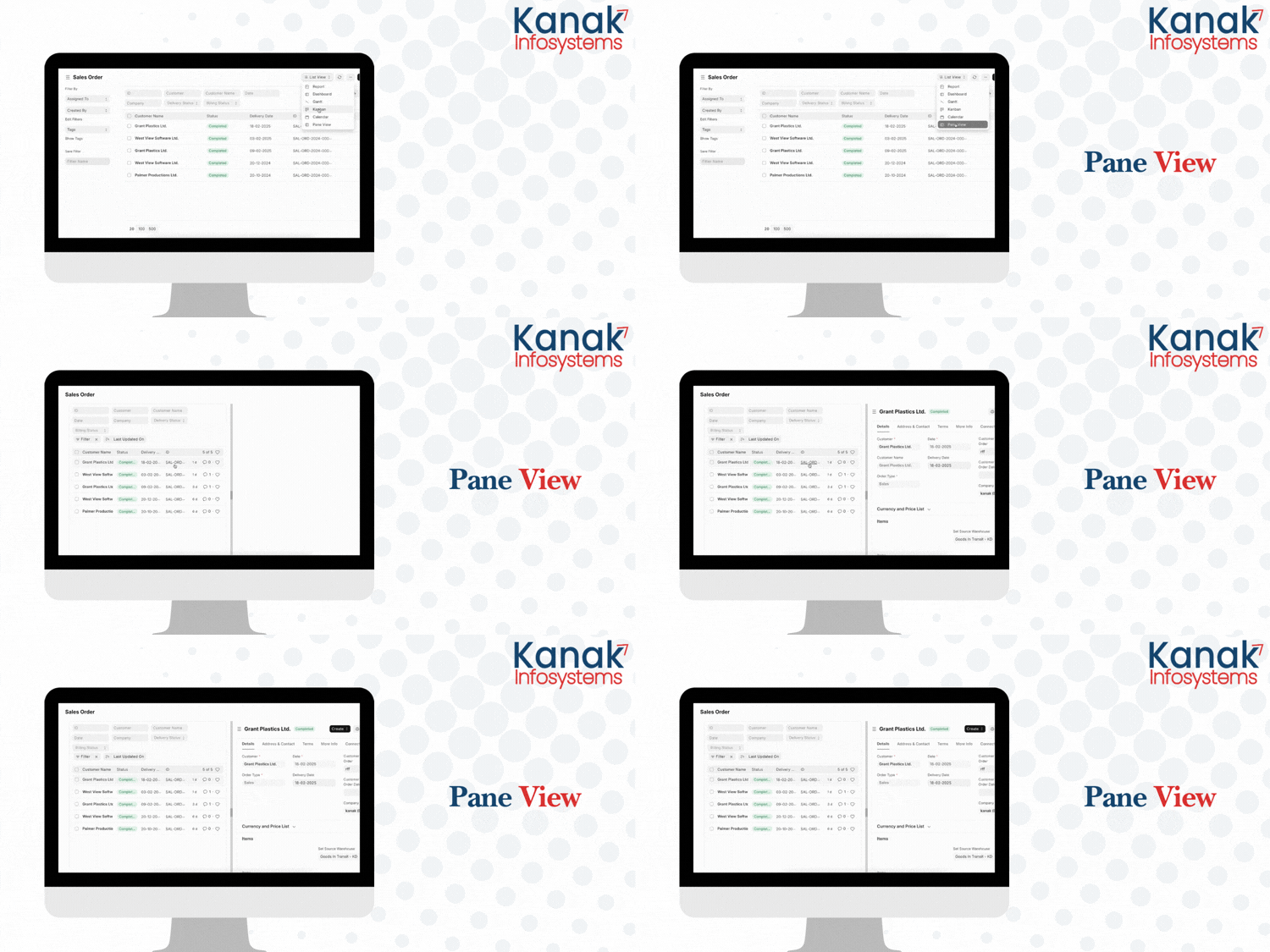
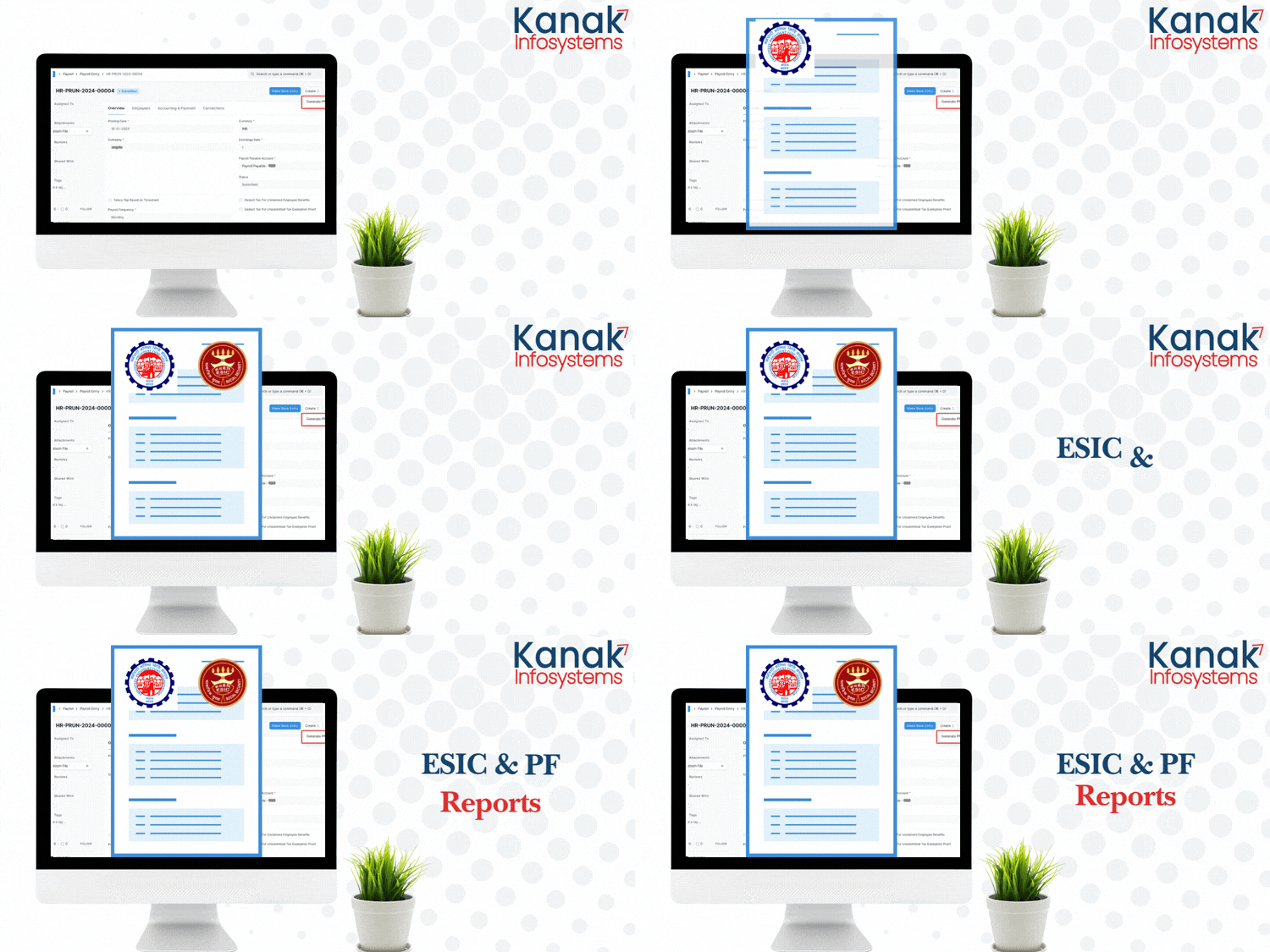
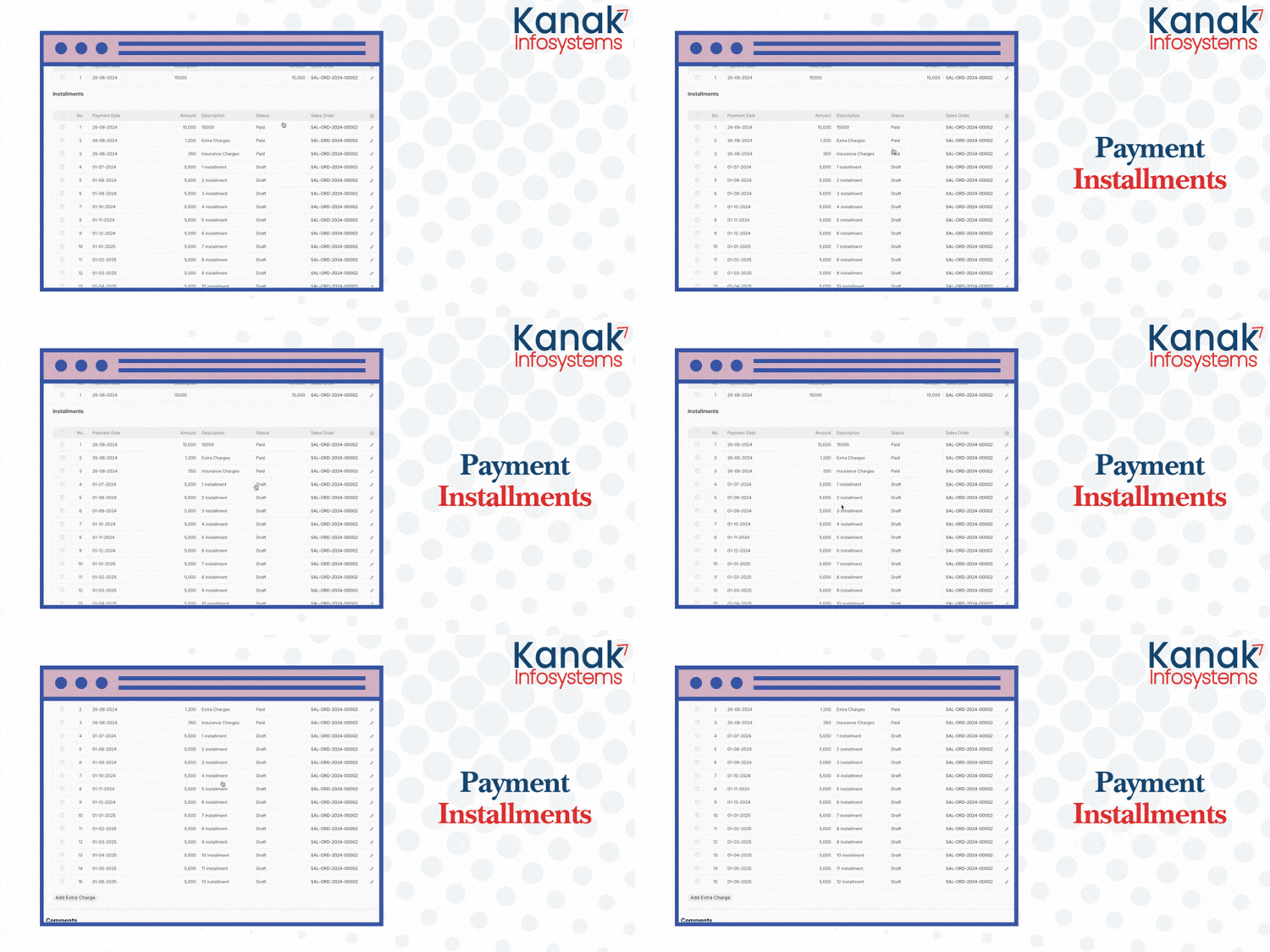
Our Frappe Apps







Frappe Proprietary License v1.0

This software and associated files (the "Software") may only be used (executed,
modified, executed after modifications) if you have purchased a valid license
from the authors, typically via Frappe Apps, or if you have received a written
agreement from the authors of the Software (see the COPYRIGHT file).

You may develop Frappe apps that use the Software as a library (typically
by depending on it, importing it and using its resources), but without copying
any source code or material from the Software. You may distribute those
apps under the license of your choice, provided that this license is
compatible with the terms of the Frappe Proprietary License (For example:
LGPL, MIT, or proprietary licenses similar to this one).

It is forbidden to publish, distribute, sublicense, or sell copies of the Software
or modified copies of the Software.

The above copyright notice and this permission notice must be included in all
copies or substantial portions of the Software.

THE SOFTWARE IS PROVIDED "AS IS", WITHOUT WARRANTY OF ANY KIND, EXPRESS OR
IMPLIED, INCLUDING BUT NOT LIMITED TO THE WARRANTIES OF MERCHANTABILITY,
FITNESS FOR A PARTICULAR PURPOSE AND NONINFRINGEMENT.
IN NO EVENT SHALL THE AUTHORS OR COPYRIGHT HOLDERS BE LIABLE FOR ANY CLAIM,
DAMAGES OR OTHER LIABILITY, WHETHER IN AN ACTION OF CONTRACT, TORT OR OTHERWISE,
ARISING FROM, OUT OF OR IN CONNECTION WITH THE SOFTWARE OR THE USE OR OTHER
DEALINGS IN THE SOFTWARE.

Comment on this module. Please Login