 +91 981-810-8884, 0114-214-3250
  Custom Frappe Theme
Custom ERPNext Theme
Personalize Design, Improve Navigation & Boost Efficiency
While working as a Frappe Partner in Delhi & Gujarat for over 7 years now, we have encountered this one question from the client a lot of times- “ How can we improve the UI of the system?”
We understood that ERPNext is no longer a tool for them- It is a daily workspace wherein they spend their entire day, entire month, entire year.
If they are feeling that the UI is rigid or is not satisfactory to them, they may not adopt it in the longer run. This is when it occurred to our team that it is about time we come up with a solution to their problems and that was the start for the development of the “Frappe Theme”.
This theme is built to enhance usability, personalization, and visual comfort for the users.
Why do UI/UX matter in ERP Systems?
An ERP doesn’t remain as a backend tool anymore, It is a daily workspace. A rigid or unsatisfactory interface can slow the users down, can increase the training time or even lead to poor adoption rates.
The Custom Frappe Theme focuses on:
- Better Visual Clarity
- Faster Navigation
- Personalized User Experience
- Improved Productivity
All of this- without sacrificing the performance or the stability of the system.
Key Features of the Custom Frappe Theme App:
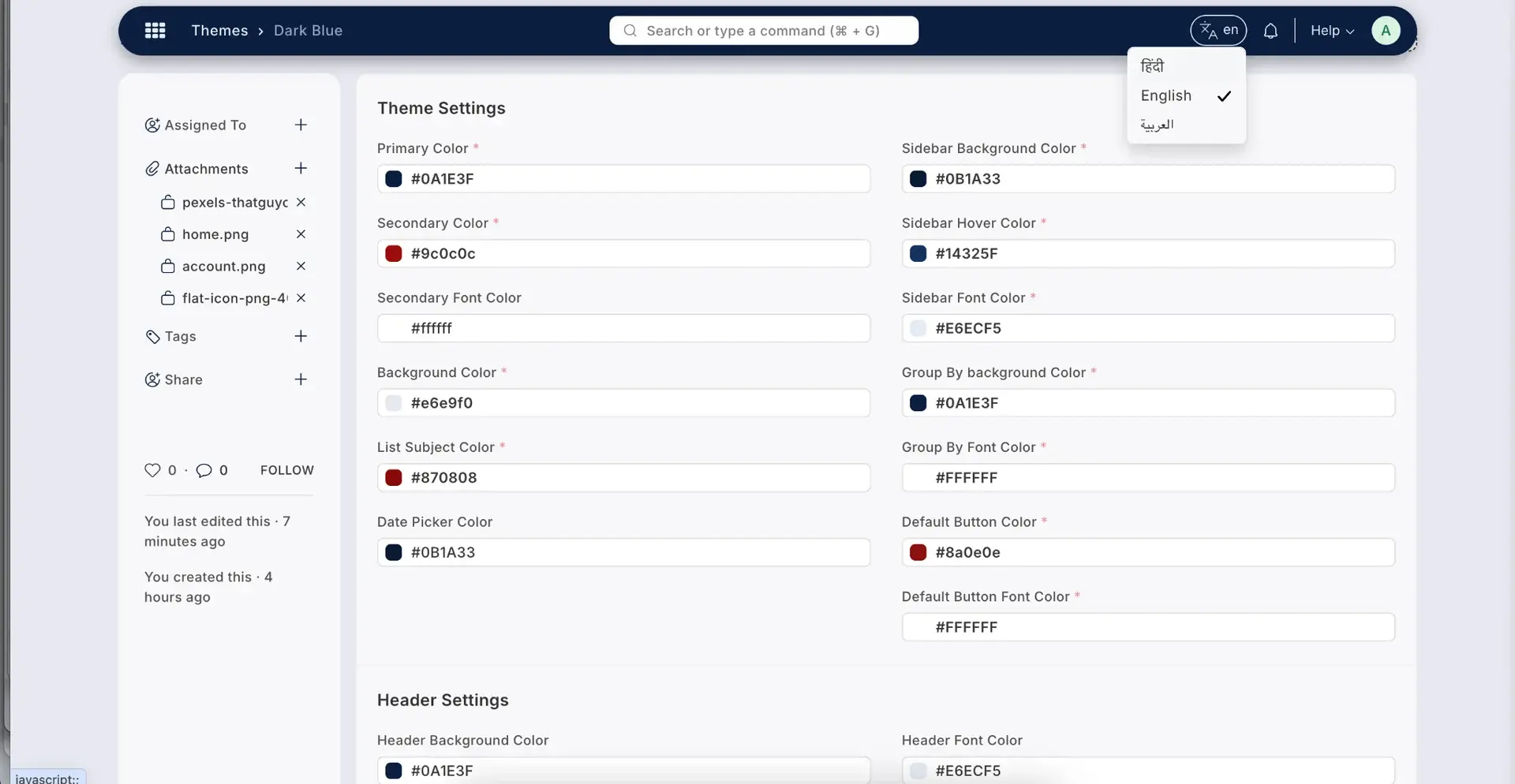
Fully Customization Theme options- users will be able to create and manage multiple themes by adjusting their:
- Primary & Secondary Colours
- Header & Sidebar Colours
- Background Styles & Fonts
This feature allows the users to match the ERPNext Interface to their brand identity.
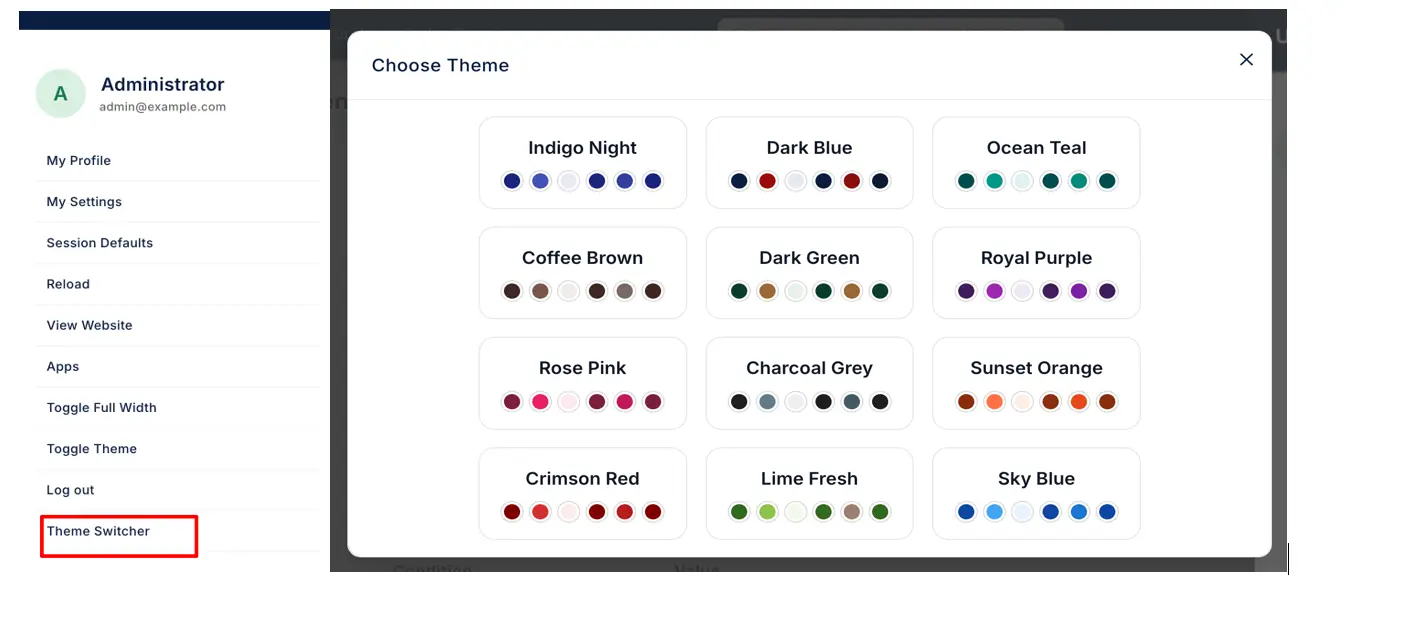
Easy Theme Switching- Users can switch between themes easily without having to log out or reloading the system. This is useful for organizations with
- Multiple Departments
- Different User Roles
- Light/Dark preferences
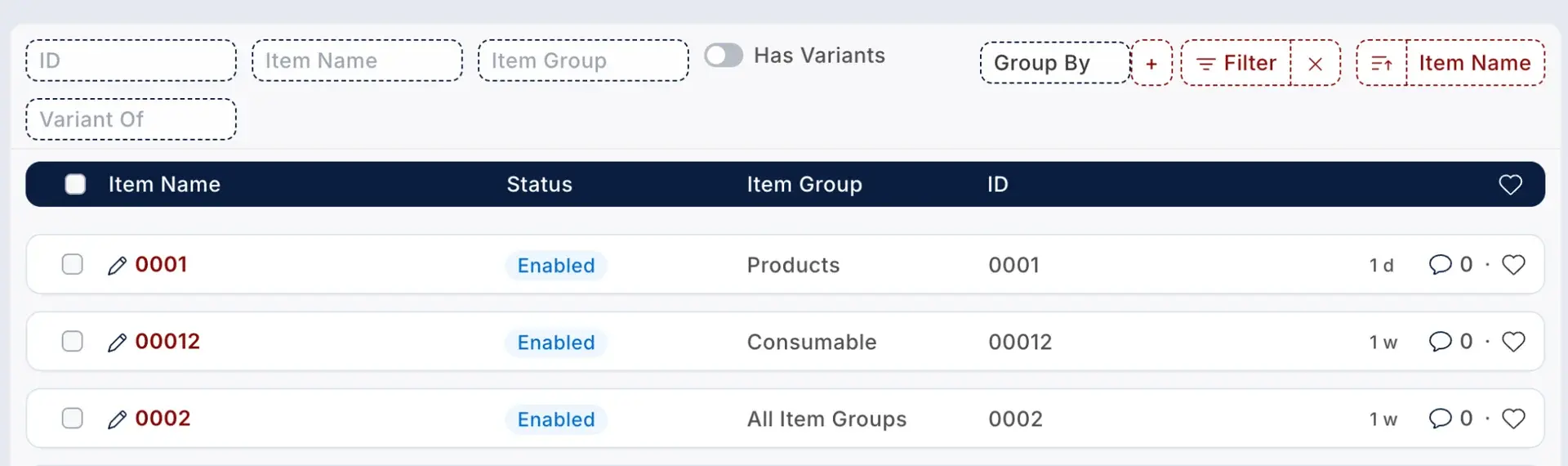
Enhanced List Views- The app also improves the list views of the system.
- Sticky Headers in the list view
- Better Readability
Users will be able to analyse and manage records more efficiently.

Quick Edit Functionality- There are instances when a user wants to make a small change without accessing the full form. This app enables quick edit pop-ups, allowing users to edit & update the key fields directly from the list view.
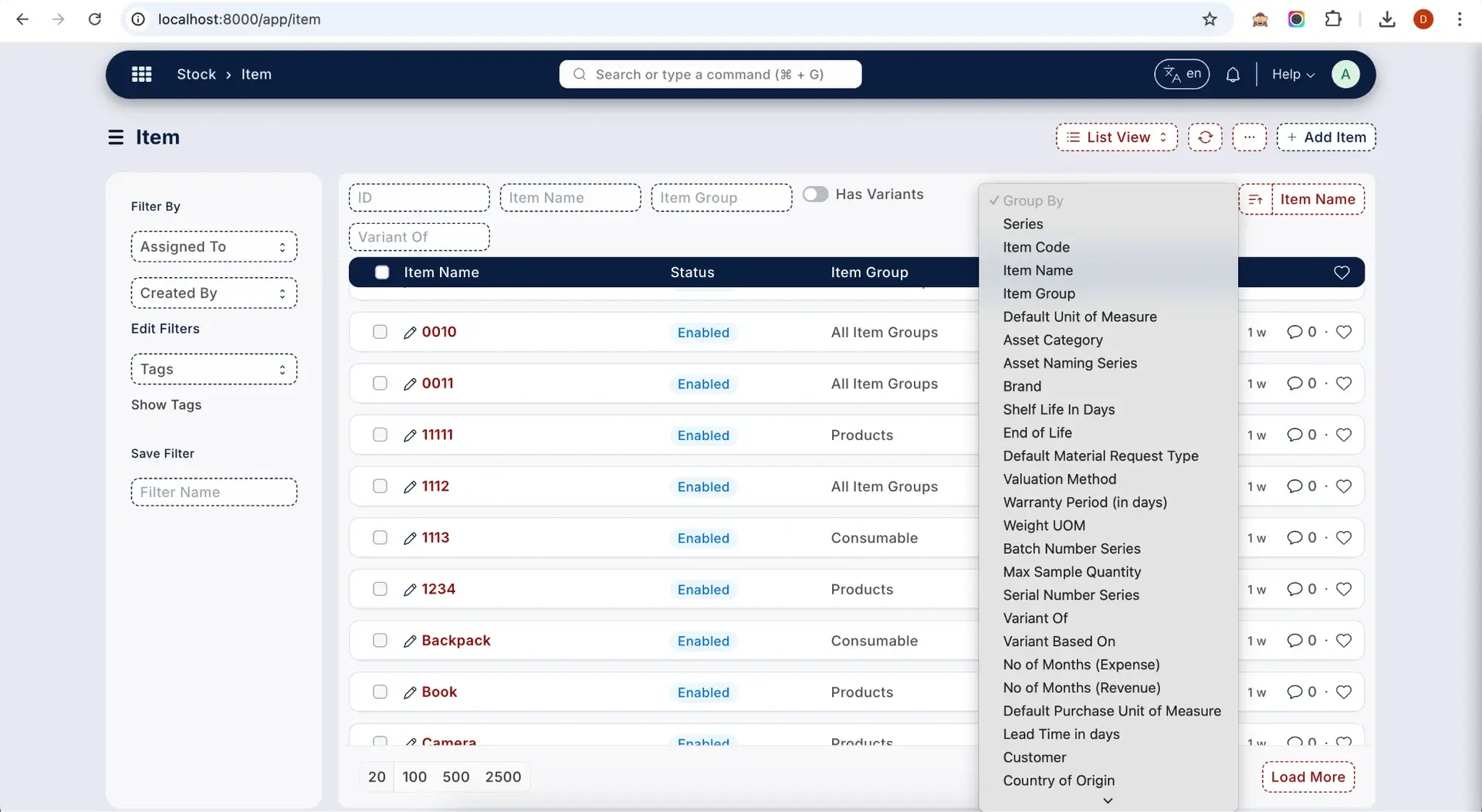
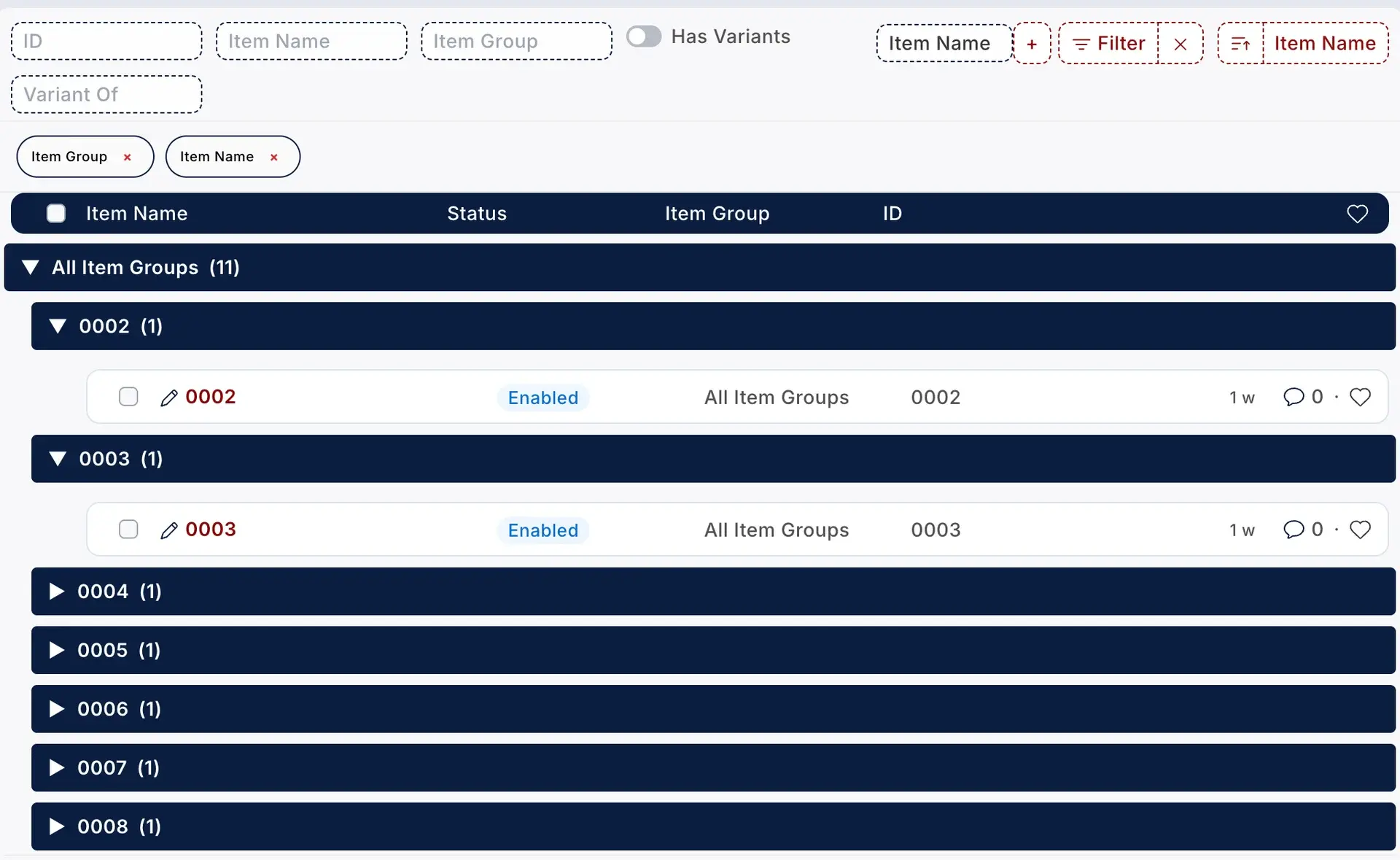
Advanced Group-By Filtering- User will be able to filter data on the basis of groups like batch number, item group, etc. This typically makes it easier for users to:
- Analyze Records
- View Grouped Information
- Work Efficiently with structured data
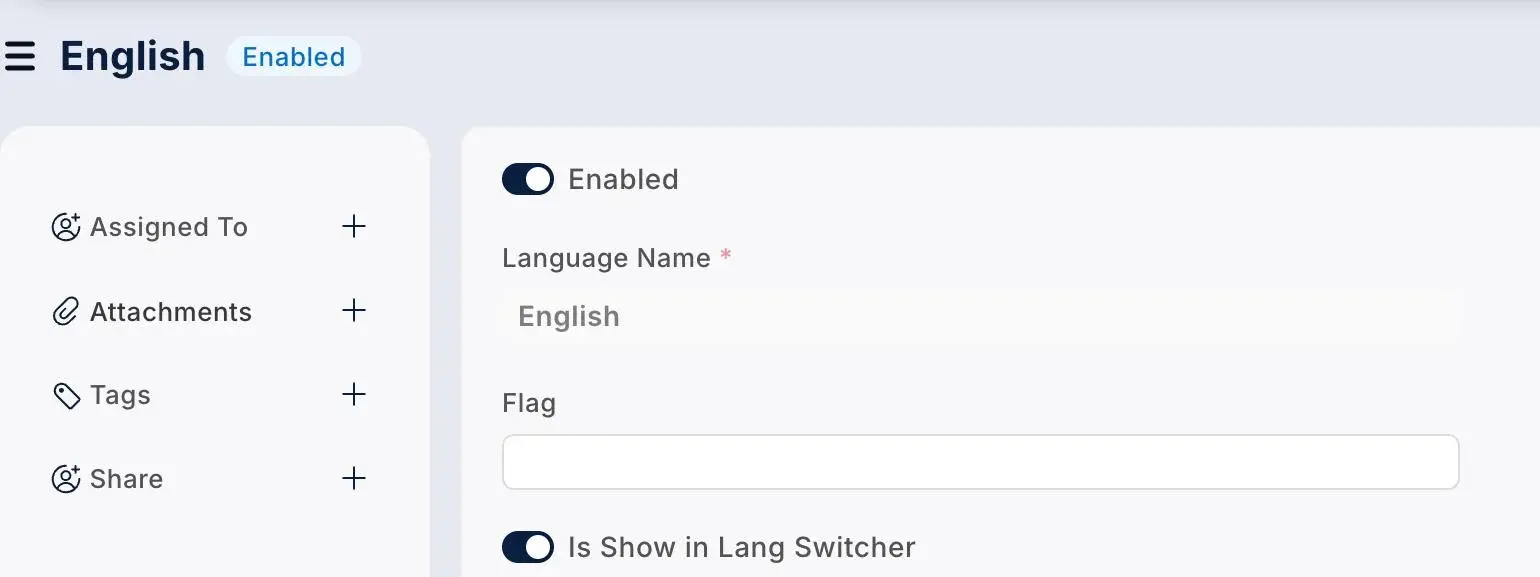
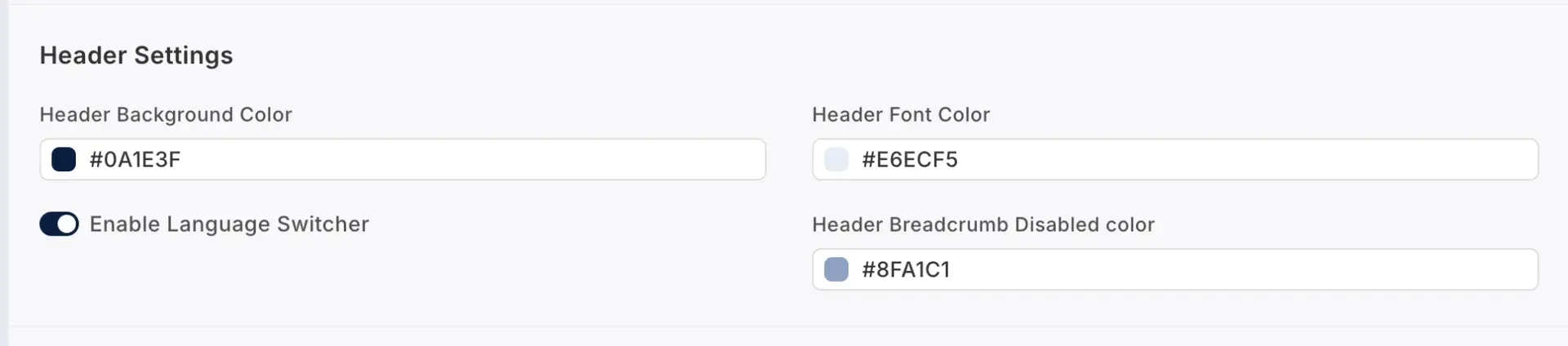
Quick Language Switcher - The app provides a quick language switcher toggle button on the header of the system for the users to click switch between languages.
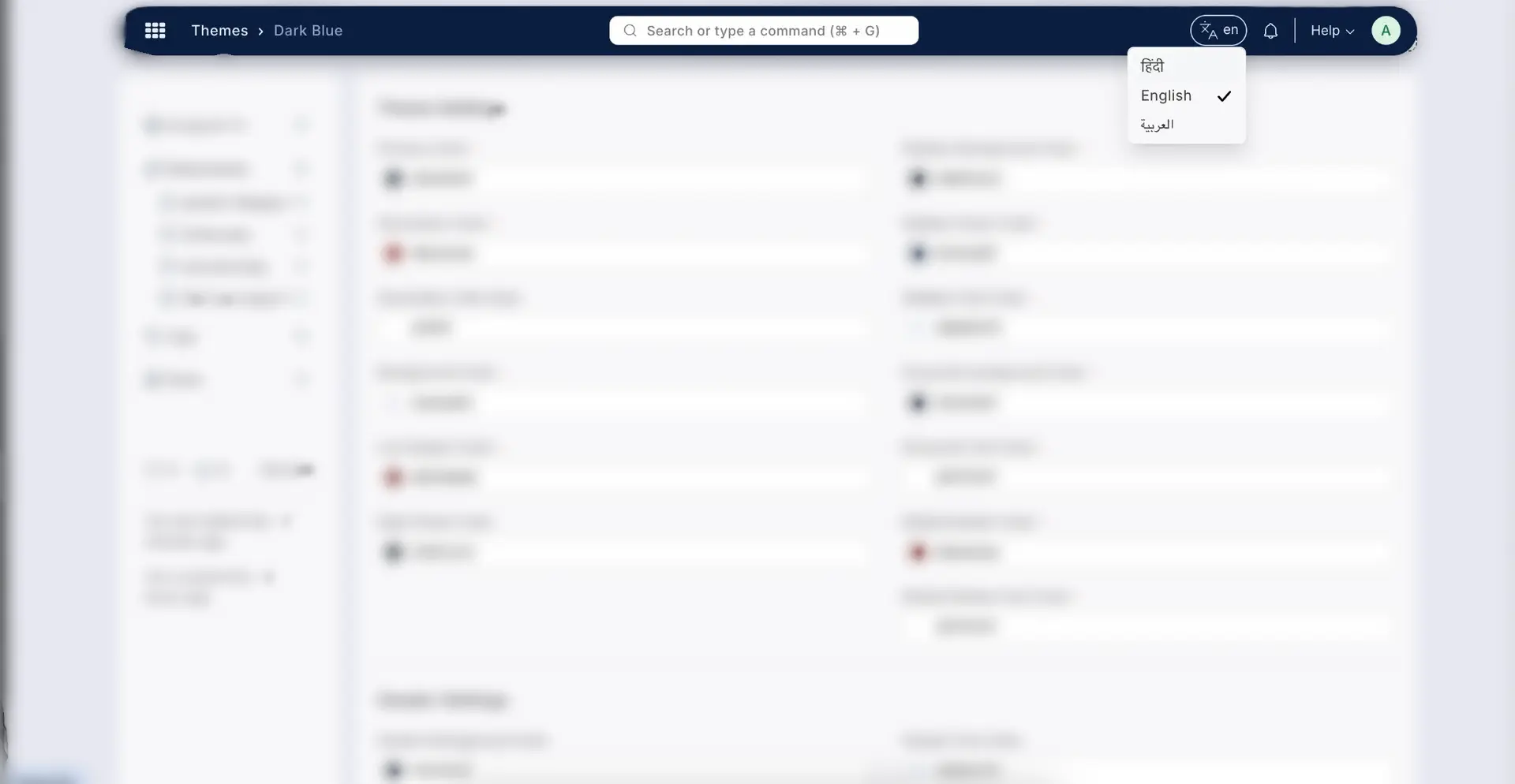
RTL Support- The app also supports the RTL (Right-To-Left) language layouts, further making ERPNext more accessible for global teams and regional users.

Personal Productivity Tools- To make ERPNext feel more than just a workspace, the app also includes:
Sticky Notes for Reminders
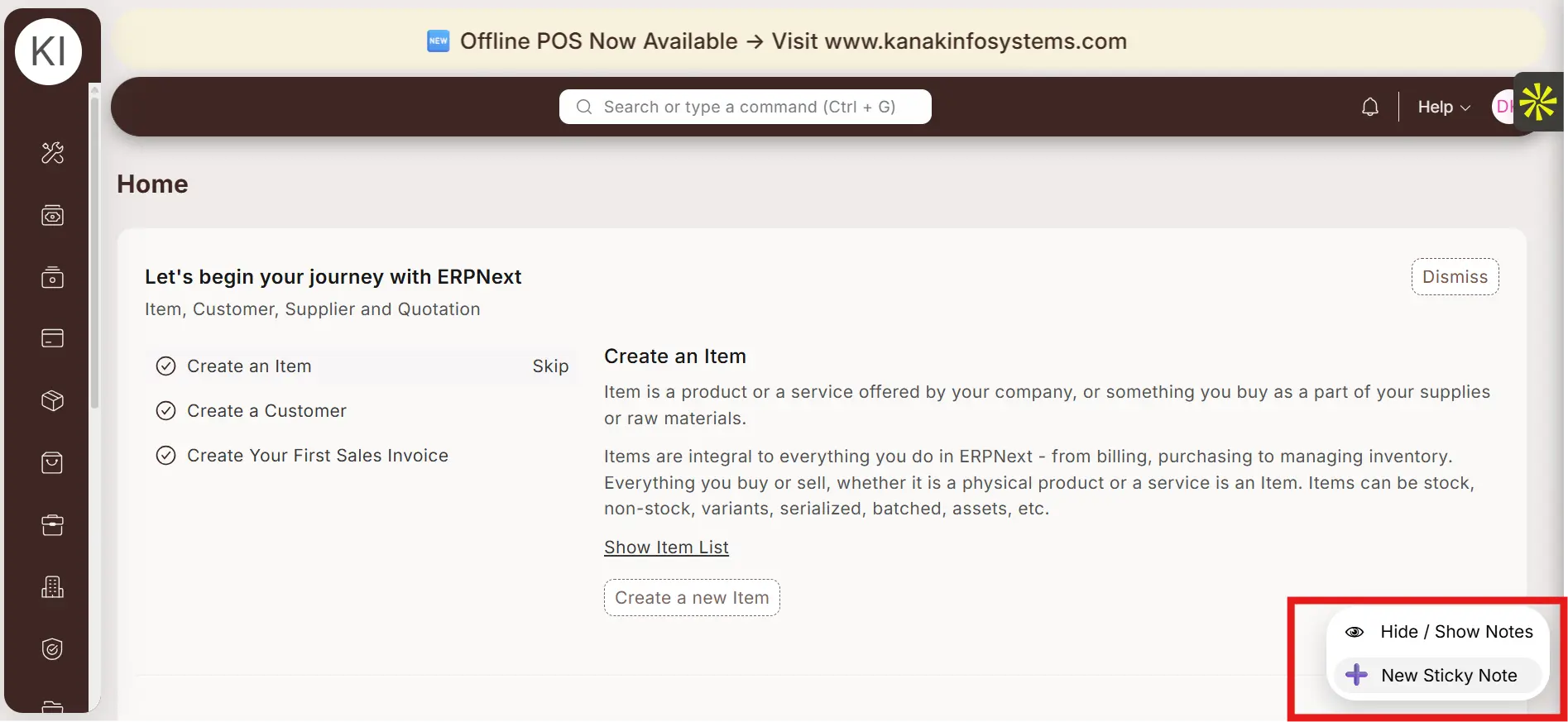
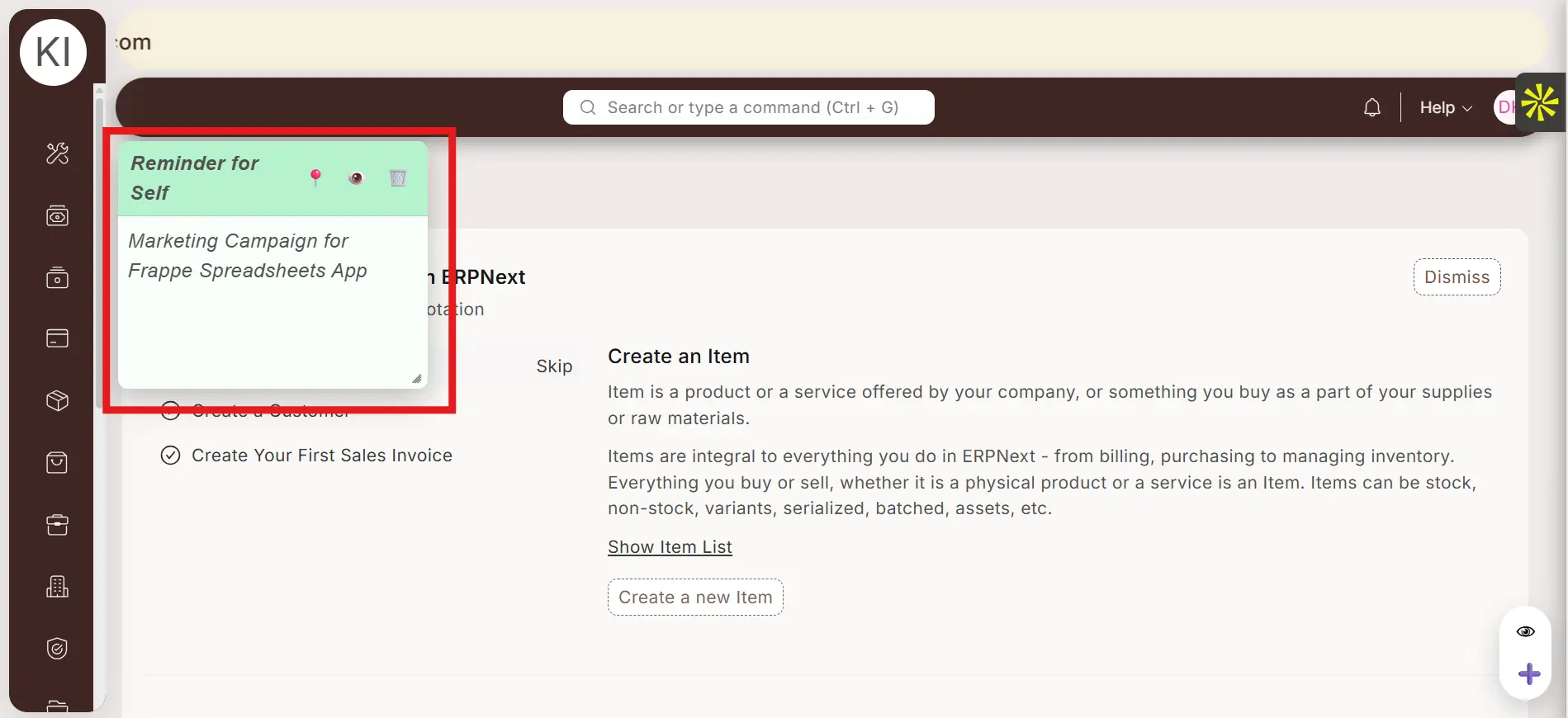
Announcement Marquee for Notices, messages, etc.
These small features significantly improve the day-to-day productivity & usability.
An App Built for All Businesses
It doesn’t matter if you are a startup using the ERPNext system or a large enterprise- The Custom Frappe Theme App caters to everyone.
- It doesn’t require any additional configurations
- No core code changes
And it is completely compatible with Standard ERPNext Workflows.
By utilizing Custom Frappe Theme App, organizations can achieve:
- Faster User Adoption
- Improved User Satisfaction
- Higher Productivity Rates
A better interface will definitely lead to better user experience and better engagement rates and that will further lead to better results.
The Custom Frappe Theme is not just for enhancing the look of the system- it is also about making the system easier, faster and more enjoyable to use.
By combining personalization, usability enhancements, and thoughtful designs, the app truly transforms ERPNext into a user-centric platform - the one that teams enjoy working with every day.
If you also believe that your system should work with your users and not against them, this app is the step in the right direction.
If you wish to see a demo of the app, you can contact us on [email protected]
or you can simply have a look at the following video:
Your email address will not be published.
