







Kanak infosystems LLP.
Unit no.307, The landmark, Urjanagar 1, Kudasan, Gandhinagar, Gujarat - 382421, India
 +91 981-810-8884, 0114-214-3250


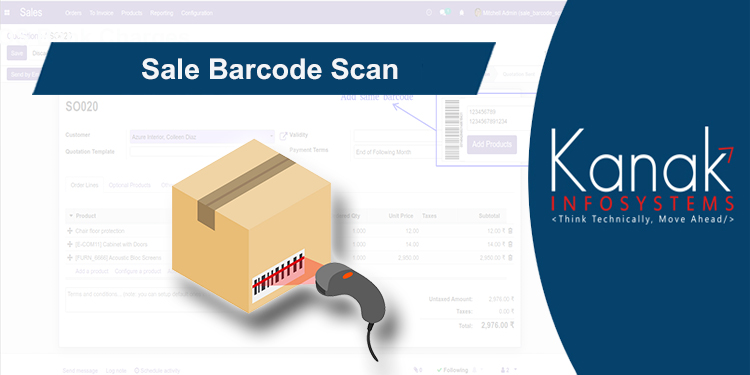
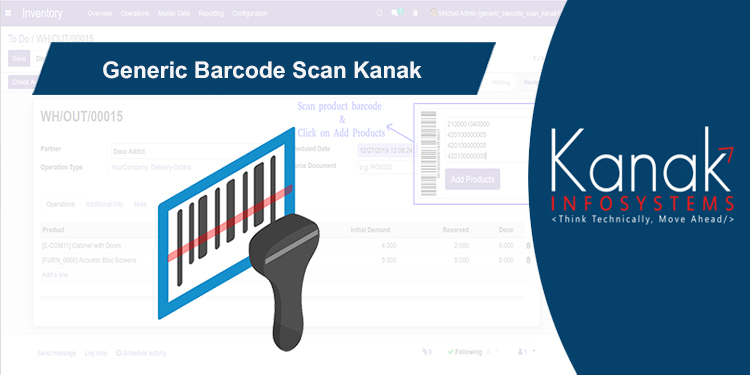
How cool Would that be, if using Inventory Barcode Scan module we can add products in inventory just by scan barcode of product.

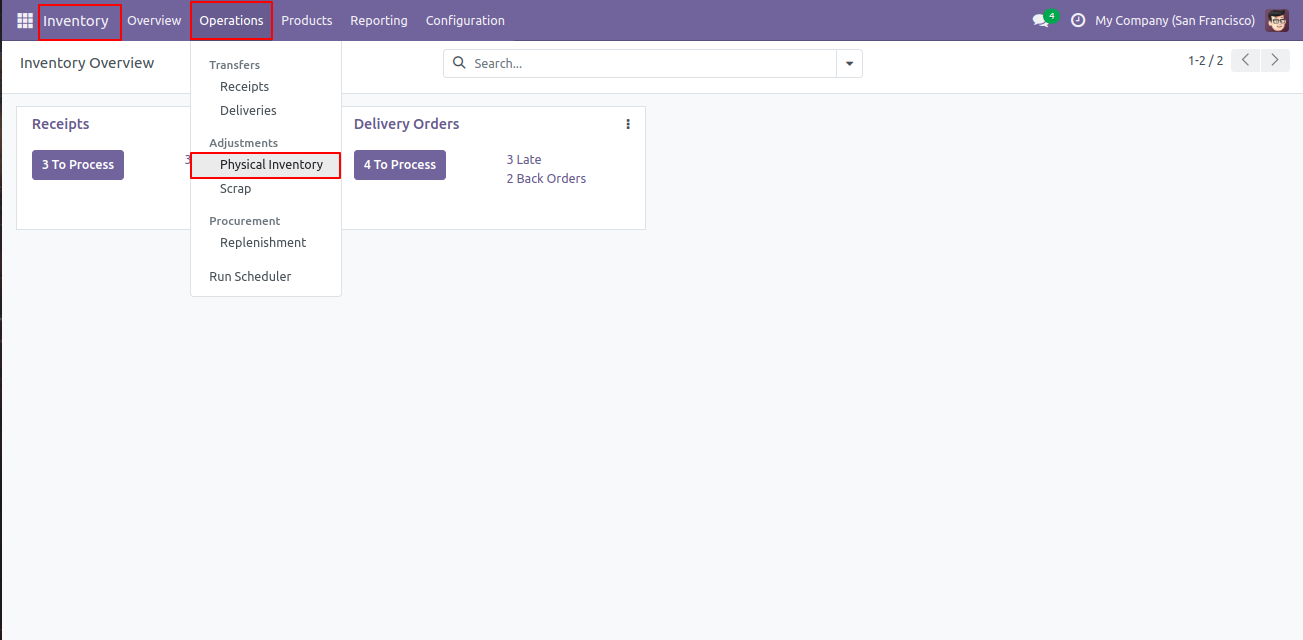
Navigate to Inventory > Go to Operations Menu > Physical Inventory > create Inventory.
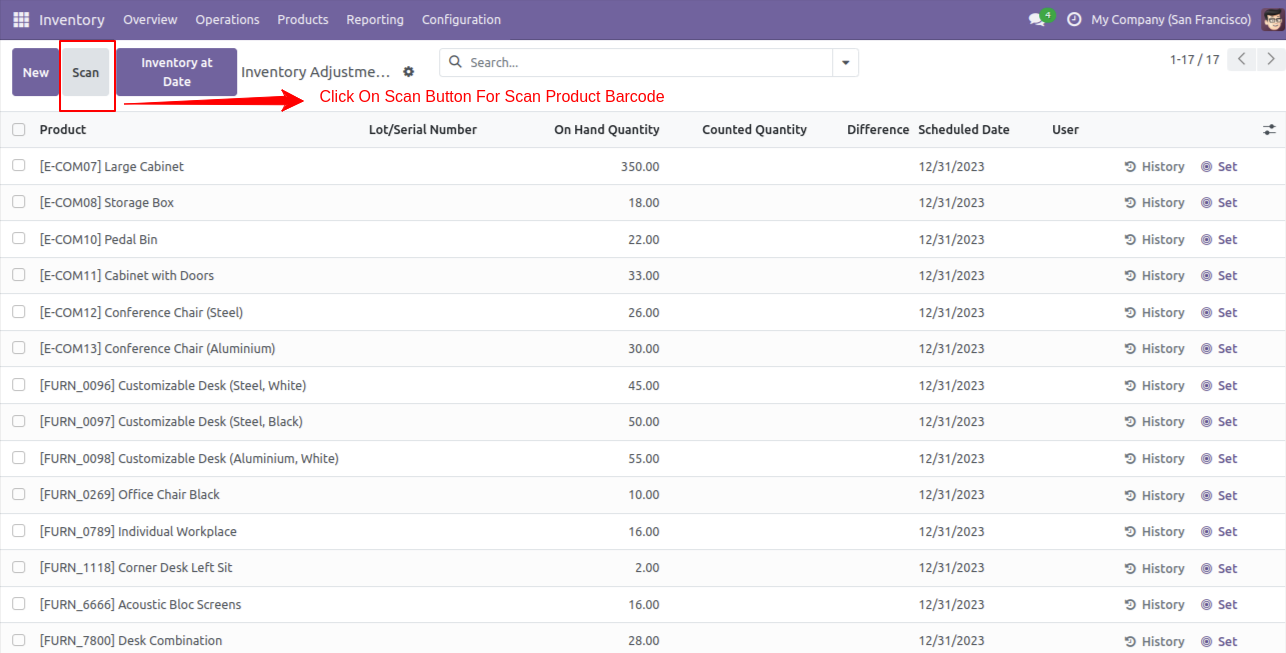
Here You Can See "Scan" Button.
Click on Scan button, a wizard will open.
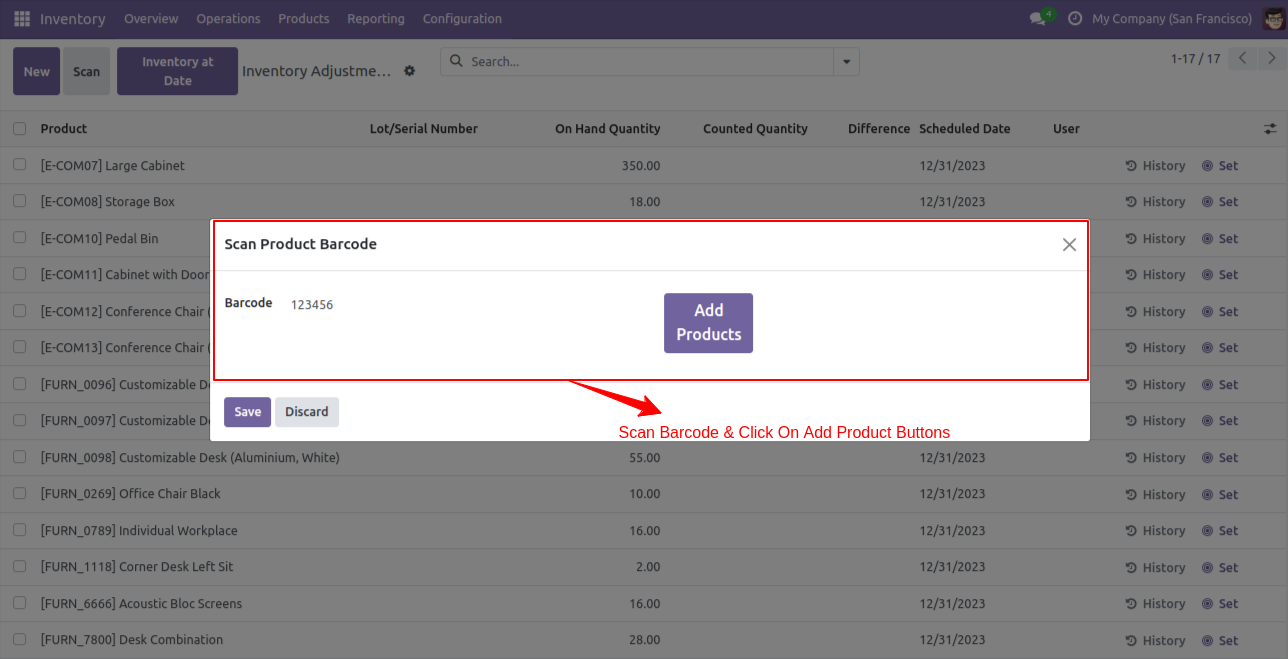
In wizard you can see barcode field and add product button.
Scan your barcode and click on add product button.
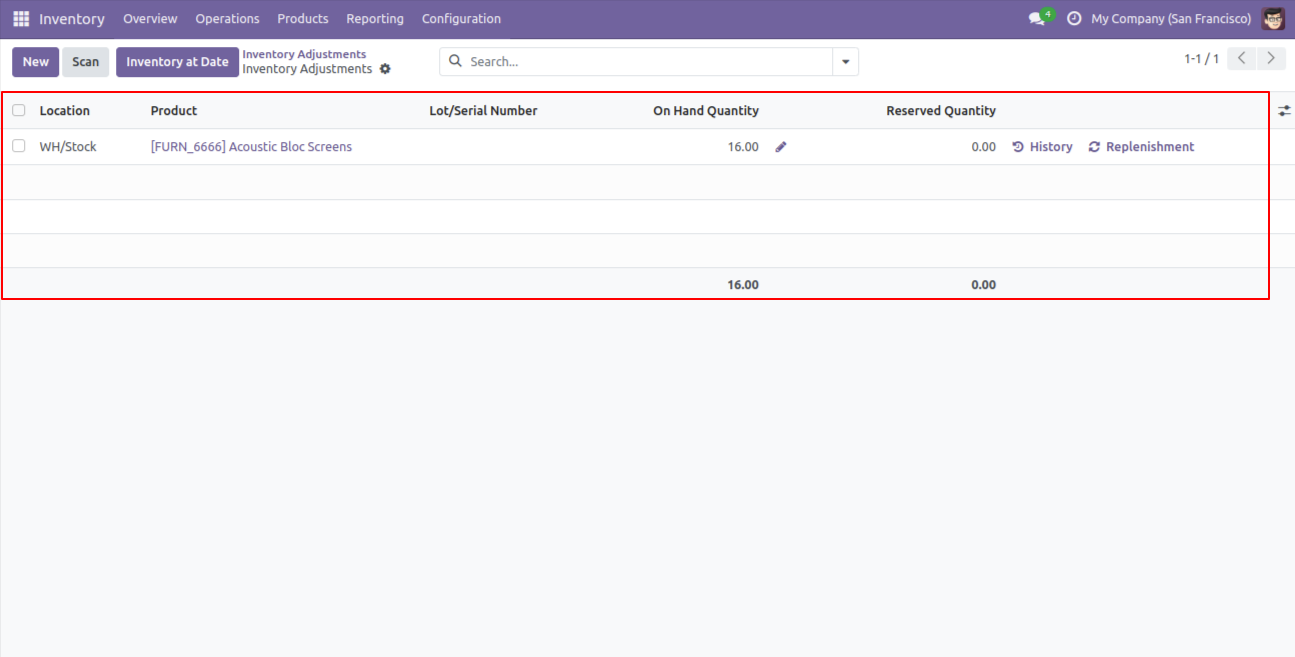
When you click on add product button then you can see inventory lines are created.

Easy to setup on any device.
No Configurations.
Save Times.
Kanak Infosystem will provide free 3 months support for bug fixes, any doubts or queries, installation, configuration support or any types of issues related to this module.
At our company, we take pride in providing exceptional help and technical support to our valued customers.
Our team of dedicated experts is well-versed in the intricacies of the Odoo platform.



Hire Odoo Developer

Odoo Customization

Odoo Development

Odoo Installation

Odoo Integration

Odoo Resource

Odoo Themes

Odoo Training

All applications are developed within the default, up-to-date Odoo environment, and as such, we cannot guarantee flawless compatibility with third-party apps. While we strive to ensure smooth integration, any conflicts or issues that arise due to third-party applications will require additional support services, which can be provided at an extra cost. Kindly contact our support team for more information or to arrange paid support.
OPL-1

Comment on this module. Please Login