






Kanak infosystems LLP.
Unit no.307, The landmark, Urjanagar 1, Kudasan, Gandhinagar, Gujarat - 382421, India
 +91 981-810-8884, 0114-214-3250


Website Quote and Cart (Exclusive) module allows a customer to request a quotation. In standard odoo, users can only add the product to a cart but our module allows you to add product from either to the cart or to the quote.

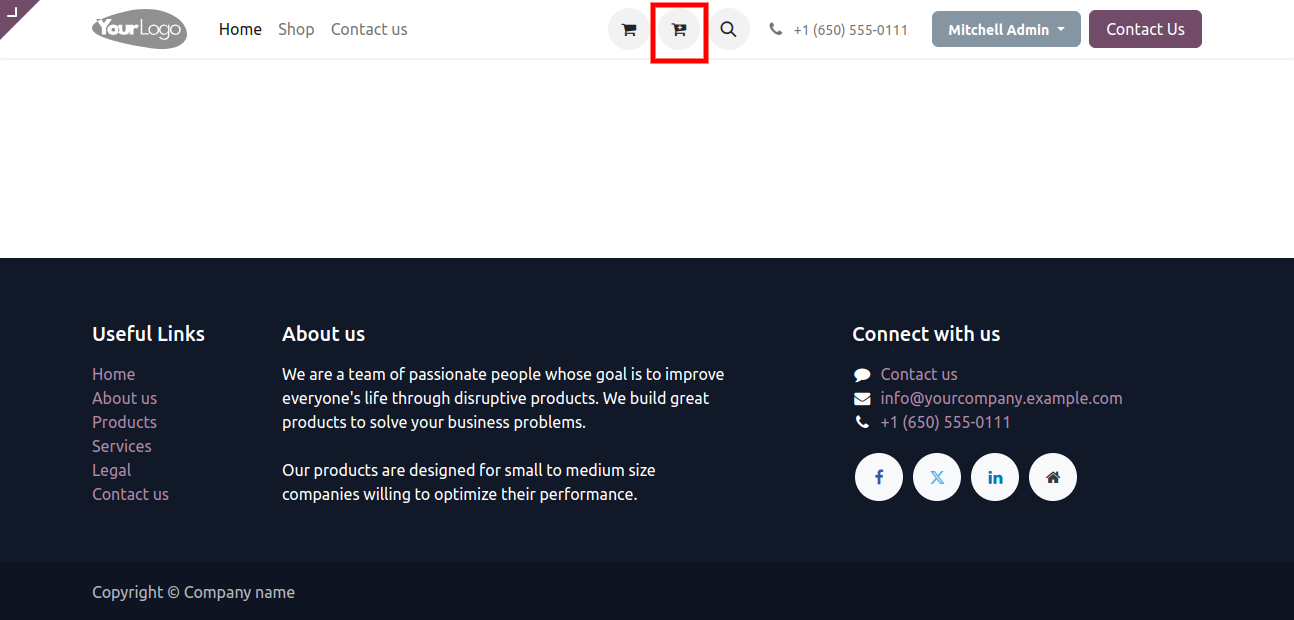
Add to Quote Icon shown on Website Home Page.
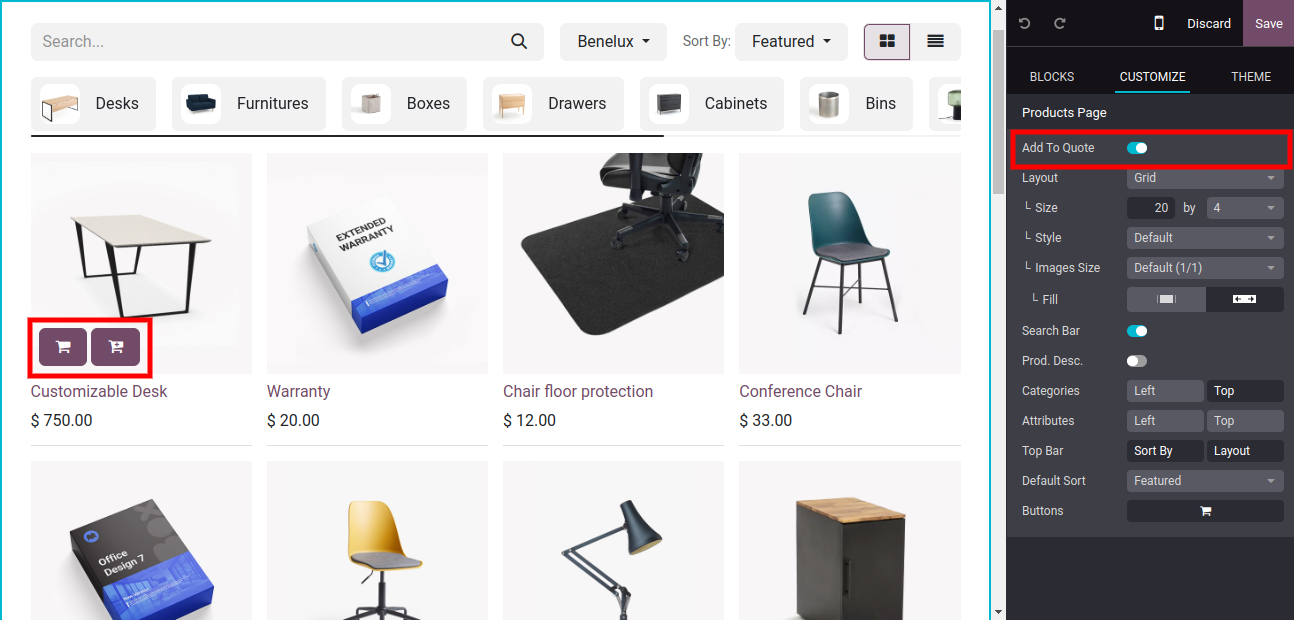
By Default, Add to quote option is enabled on the website.
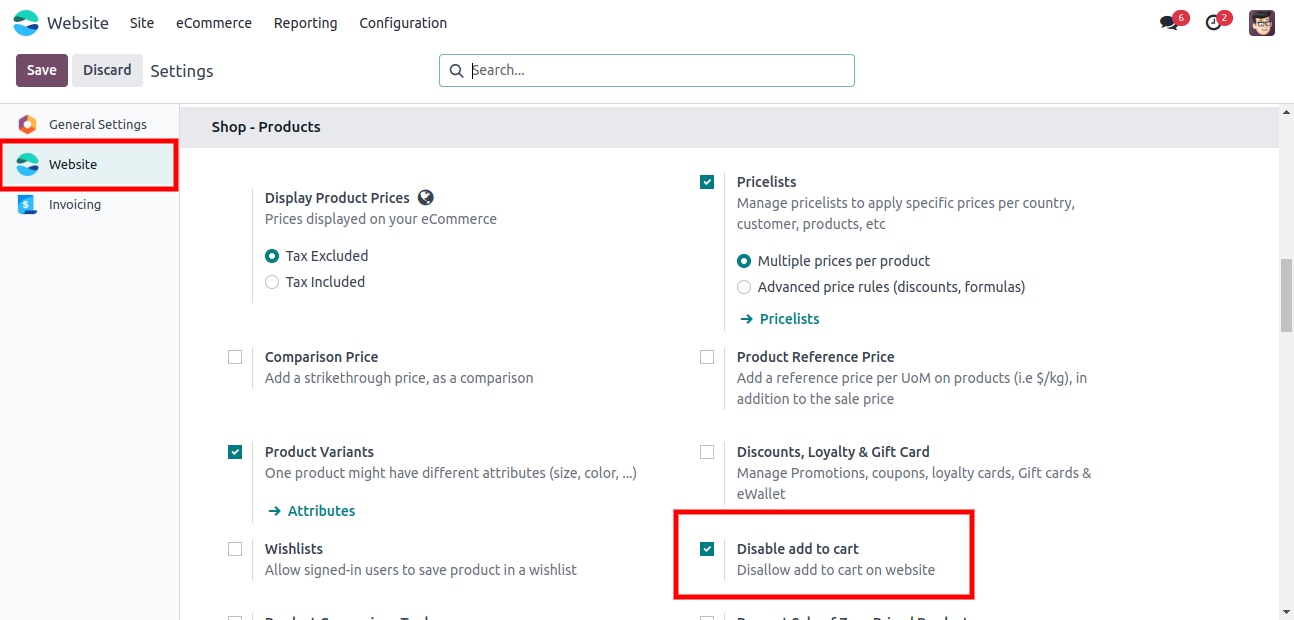
Users can Enable/Disable the Add to Quote Option from Customize.
When the user hovers on the products both add to quote or add to cart shown.
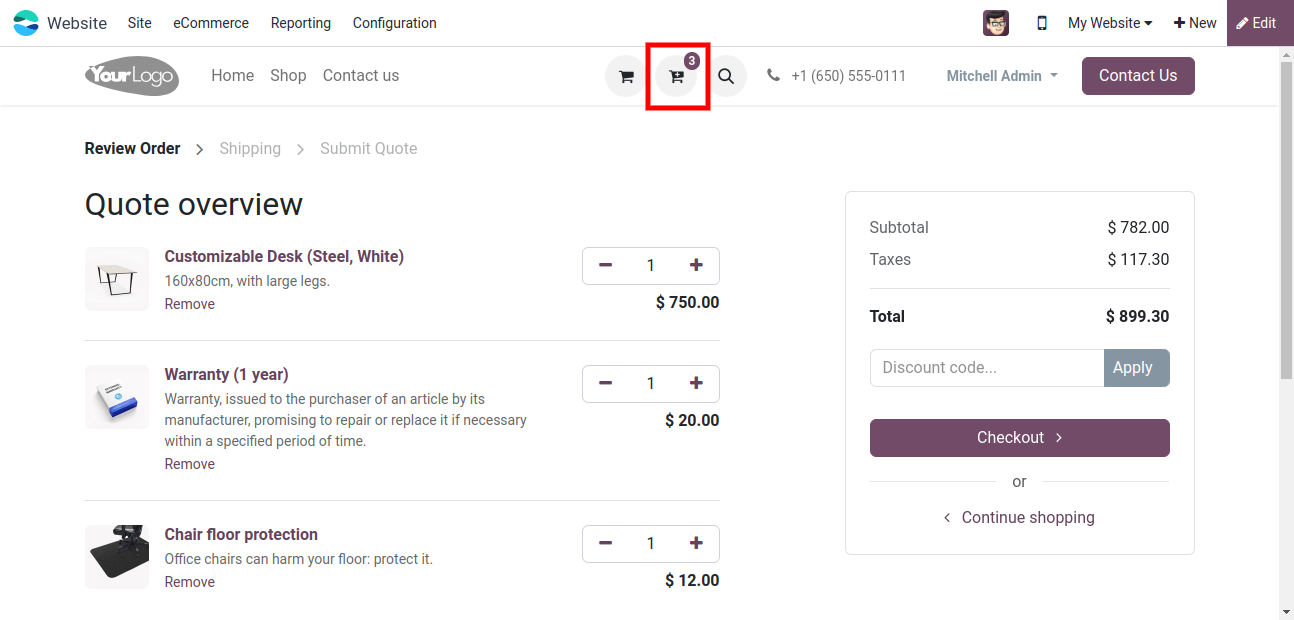
Here, Quote Cart List is shown in quote cart page.
Here, Quote Cart The number of Products that we added to the quote cart will be shown with the icon.
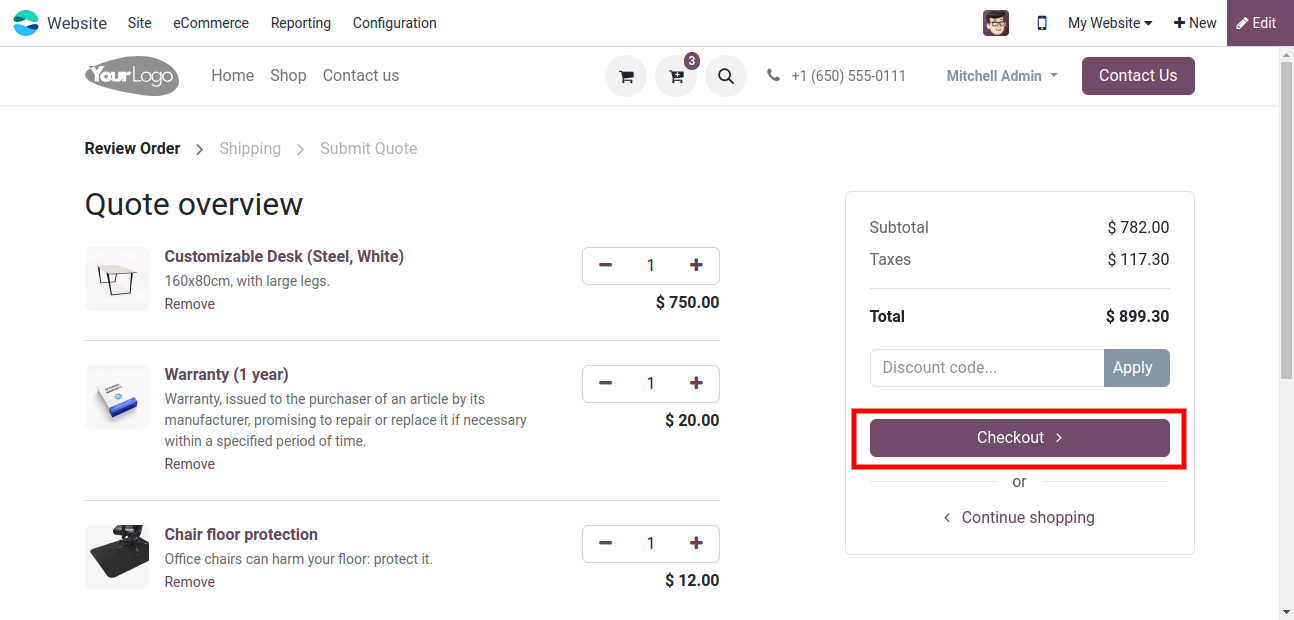
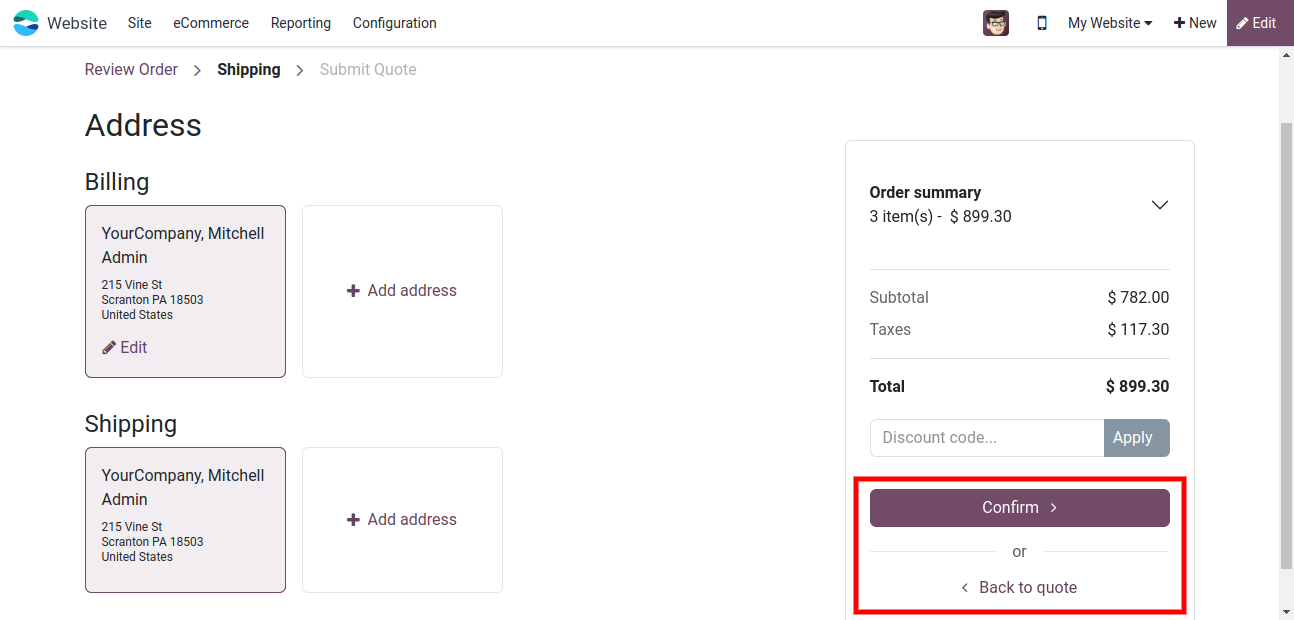
Here, user can Confirm quote and also Back to quote.
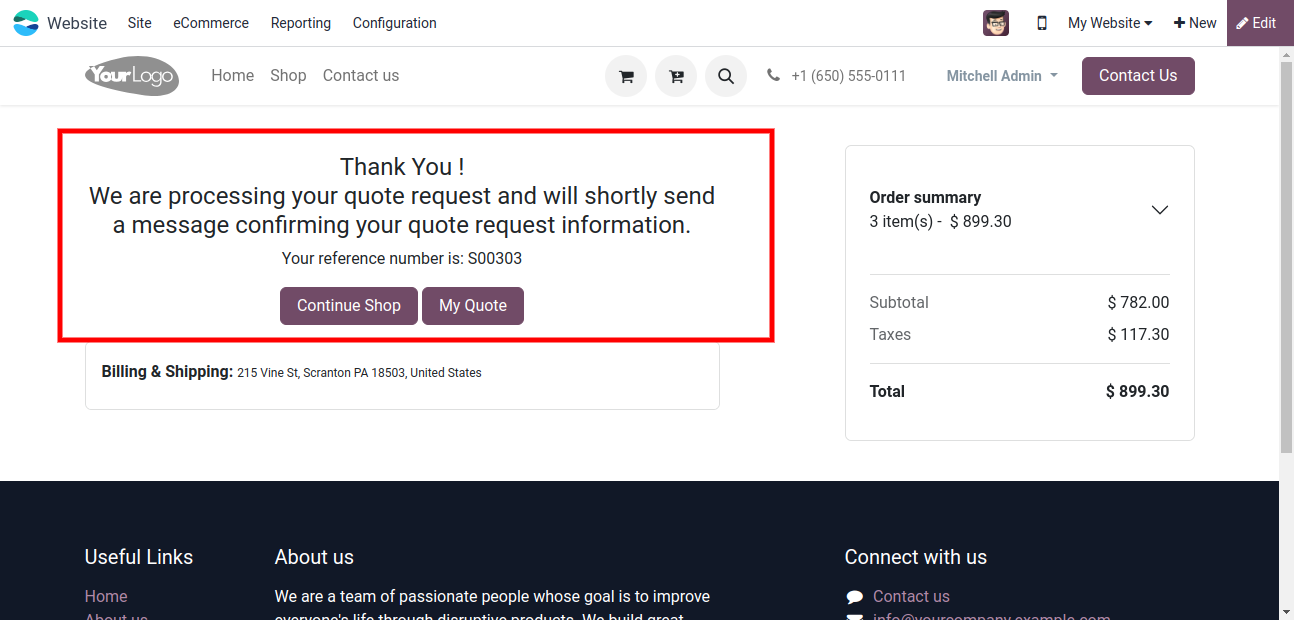
After clicking on Submit quote, the customer gets a thank you message & refrence no. is given.
By clicking on the Continue Shop button, the customer can continue his shopping.
Customers can view the quote details by clicking on the My Quote button.
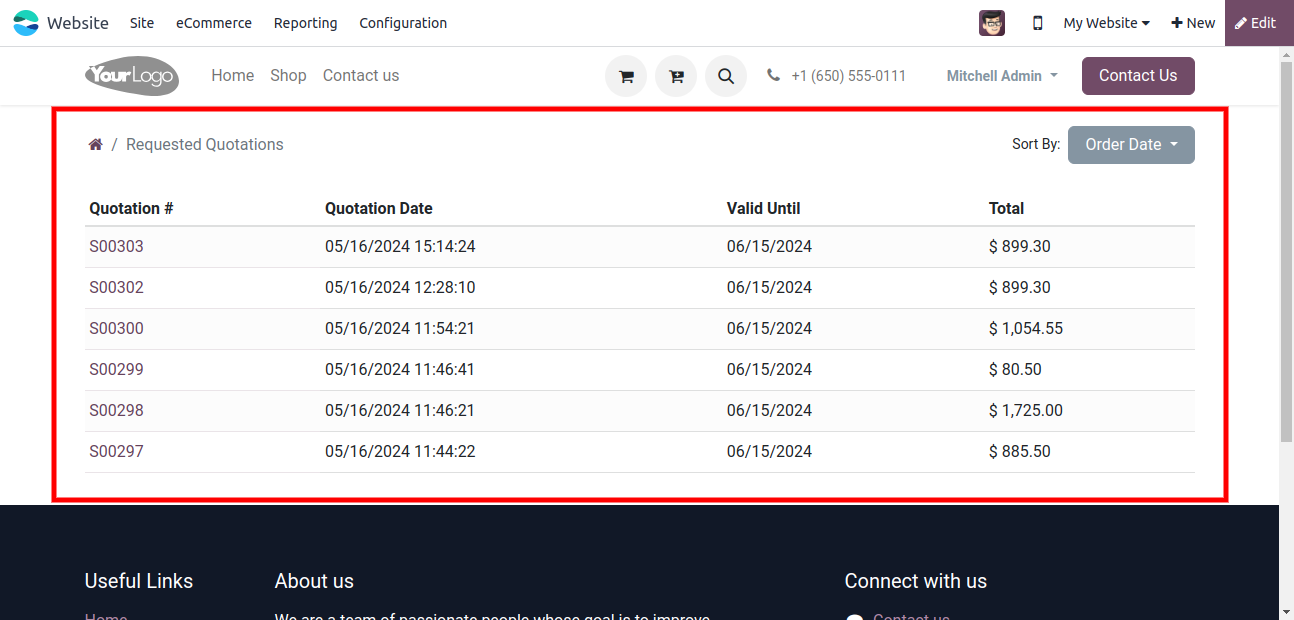
Customer can see their requested Quotation on Portal.
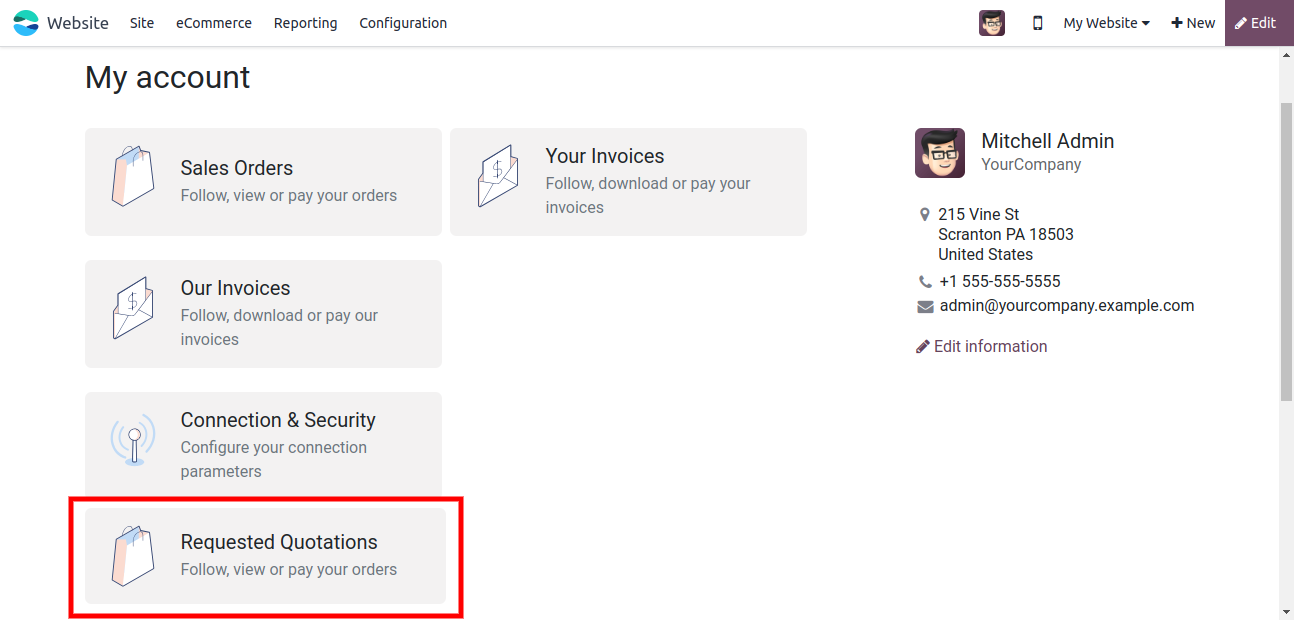
Now, Requested Quote Details are Shown in the list.
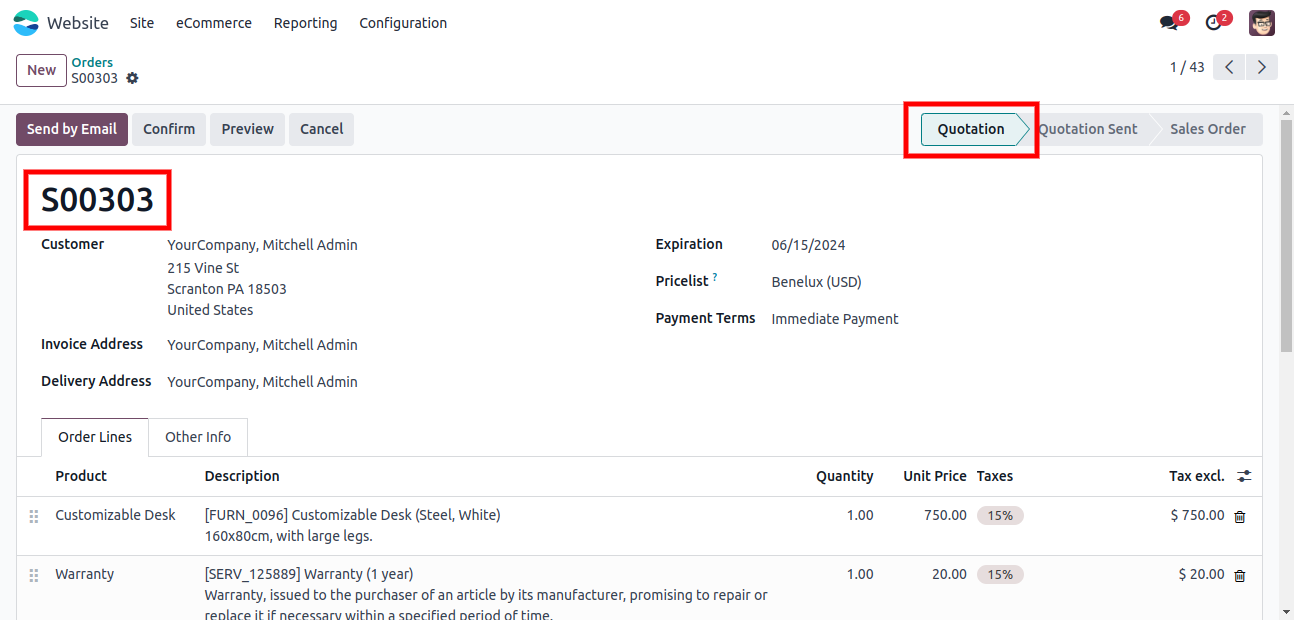
Requested Quote shown in the quotation stage in the Backend.
Disable/Enable Add to cart option for website Shop/ Product detail and header.

Customer can request a quote.
Option to add the items to the cart or to the quote.
Easily enable/disable the features.
Seperate button for add to quote.
The protal user can see all quotes history.
Kanak Infosystem will provide free 3 months support for bug fixes, any doubts or queries, installation, configuration support or any types of issues related to this module.
At our company, we take pride in providing exceptional help and technical support to our valued customers.
Our team of dedicated experts is well-versed in the intricacies of the Odoo platform.



Hire Odoo Developer

Odoo Customization

Odoo Development

Odoo Installation

Odoo Integration

Odoo Resource

Odoo Themes

Odoo Training
OPL-1

Comment on this module. Please Login